

Running a business in Pakistan involves much more than selling products and collecting payments. You need to monitor inventory, manage employees, record purchases, track expenses, calculate profits, and maintain accurate invoices. If you operate multiple branches or sell through both physical and online stores, keeping everything organised becomes even more challenging. That is why choosing the best POS software in Pakistan has become an important decision for retailers, wholesalers, restaurants, pharmacies, salons, and growing companies.
But with so many POS systems available, how do you know which one deserves your investment? Some solutions focus on retail billing, while others offer restaurant management, accounting, inventory control, or tax integration. The right choice depends on your industry, business size, budget, and compliance requirements.
In this guide, we compare 10 POS software options available to Pakistani businesses, starting with SadaHisab, an ERP-based POS solution that combines billing, inventory, accounting, reporting, and support for relevant tax integrations. You will also discover alternatives such as Candela, CISePOS, Oscar POS, Moneypex, and Foodnerd so you can compare your options before making a decision.
What Is POS Software and Why Does Your Business Need It?
Point of Sale (POS) software helps businesses record sales, generate invoices, process transactions, and maintain records of daily operations. A traditional cash register records a payment, but a modern POS system can connect that transaction to inventory, customer accounts, purchasing, and financial reports. Instead of manually updating multiple registers and spreadsheets, you can use one platform to keep important business information organised.
For example, imagine running a clothing store with hundreds of products. A customer purchases two shirts, and your cashier generates an invoice through the POS. A properly configured system can update stock quantities, record the sale, calculate the applicable taxes, and include the transaction in your sales reports. If your software also includes accounting and expense management, you can review your financial performance without combining figures from separate applications.
For Pakistani businesses, tax integration is another important consideration. Depending on your registration, business category, and applicable regulations, you may need to connect your invoicing or POS system with the relevant tax authority. The Federal Board of Revenue (FBR) publishes guidance on electronic invoicing and integration requirements for applicable registered businesses.
The best POS software in Pakistan should therefore do more than print receipts. It should support your everyday workflow, provide useful business insights, and help you maintain accurate digital records as your business grows.
Best POS Software in Pakistan: Top 10 Solutions Compared
The following options serve different business needs. This is a practical shortlist, not an independently tested ranking. Feature availability, integration scope, pricing, and implementation costs can vary by plan, industry, and configuration, so request a demonstration before purchasing.
1. SadaHisab POS and ERP Software
Best for businesses seeking POS, accounting, inventory, and Pakistani tax integration in one platform.

Website: sadahisab.com
Starting advertised price: PKR 1,800/month
Key strengths: POS billing, inventory, sales and financial reports, cloud access, multi-branch capabilities, and tax integration support.
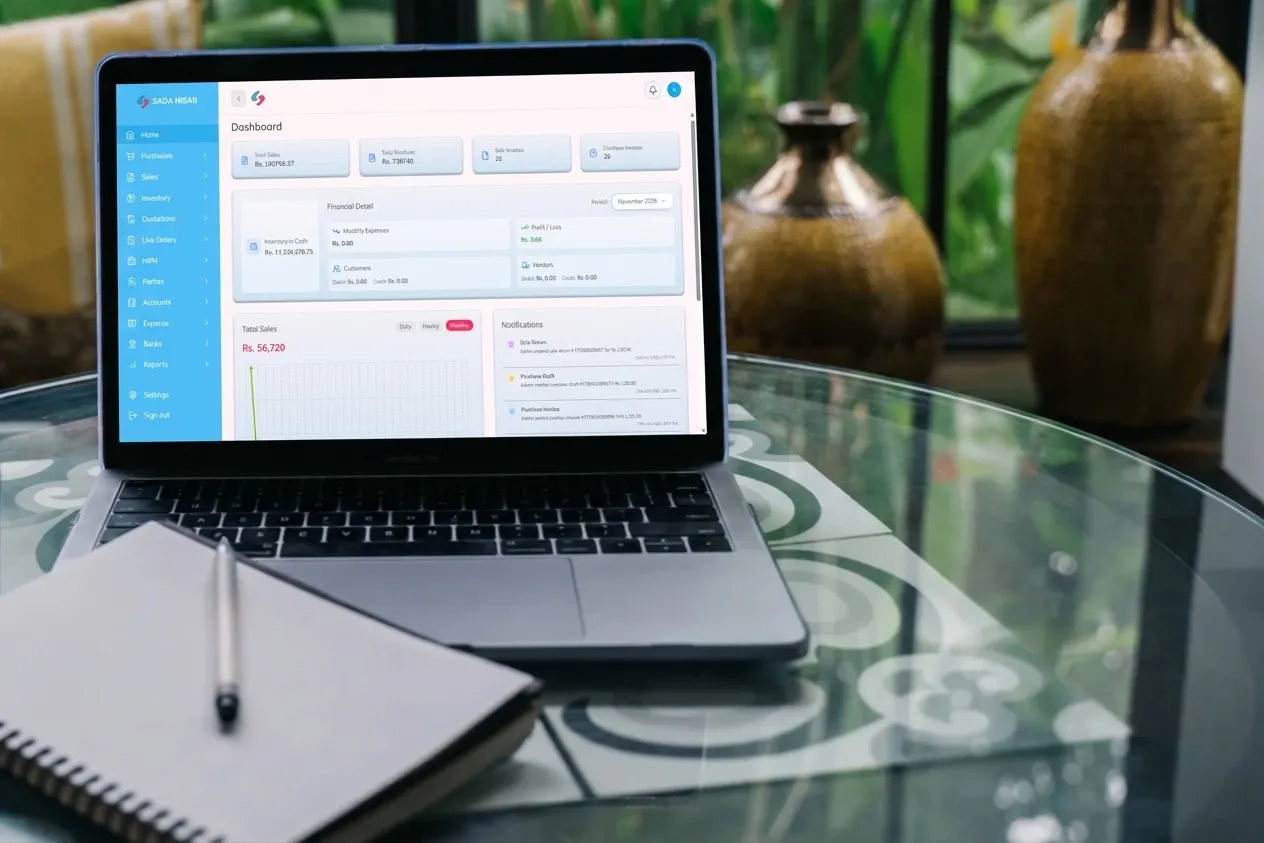
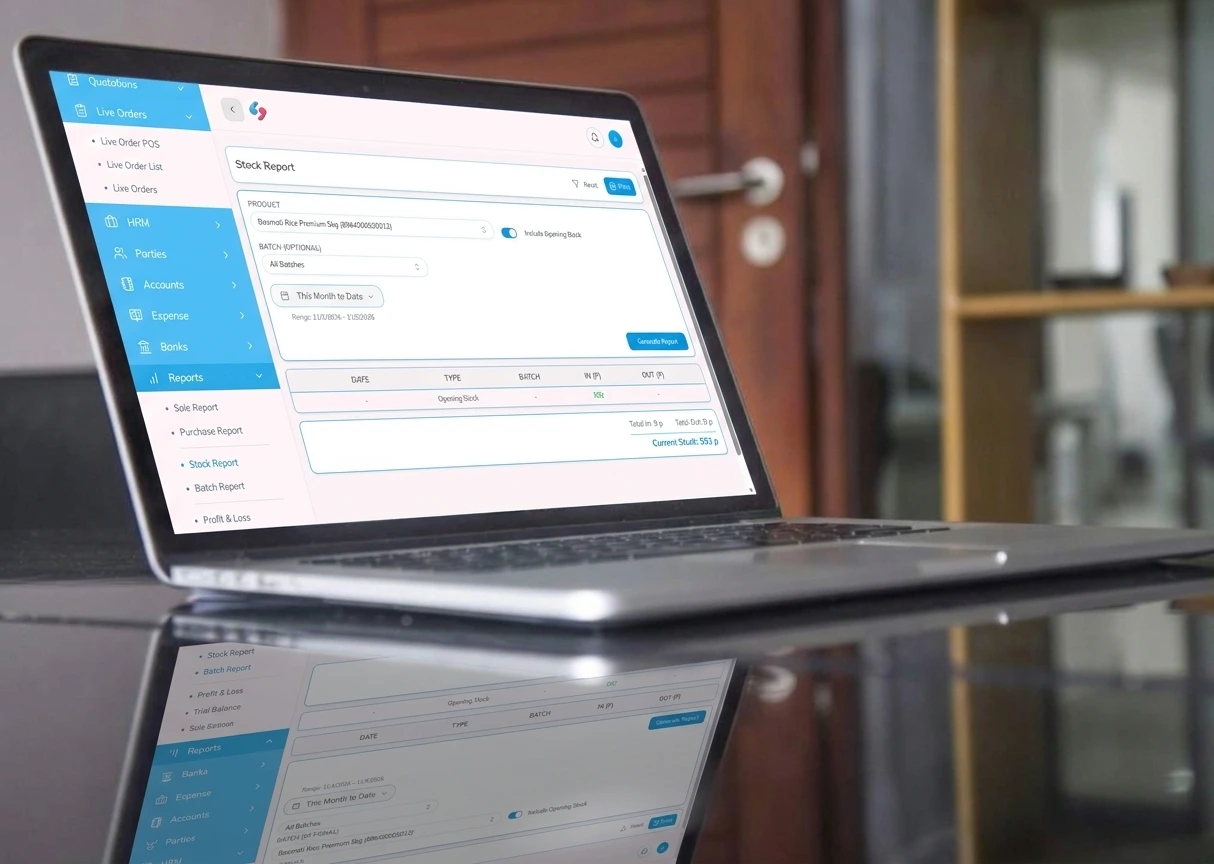
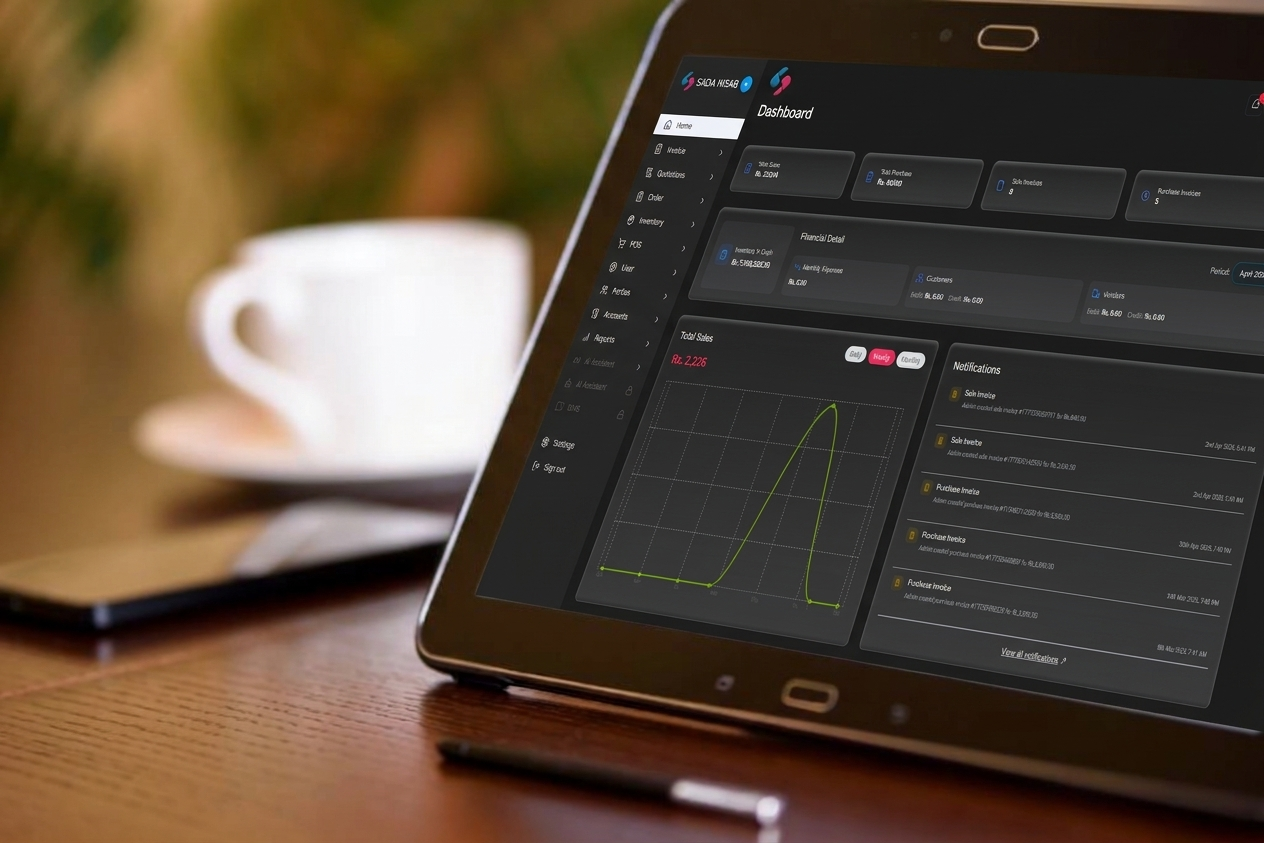
If you want to manage sales and other business operations from one place, SadaHisab is a strong option to consider when comparing the best POS software in Pakistan. It combines point-of-sale functionality with ERP features, helping businesses maintain sales records, monitor inventory, manage purchases, track expenses, and review profitability through a central system.
SadaHisab is designed for Pakistani businesses that need more than a basic billing application. Its published features include customer and supplier management, inventory tracking, sales reporting, accounting capabilities, staff management, and multi-branch support, depending on the selected plan. Businesses can use these capabilities to improve record keeping and gain a clearer view of their operations.
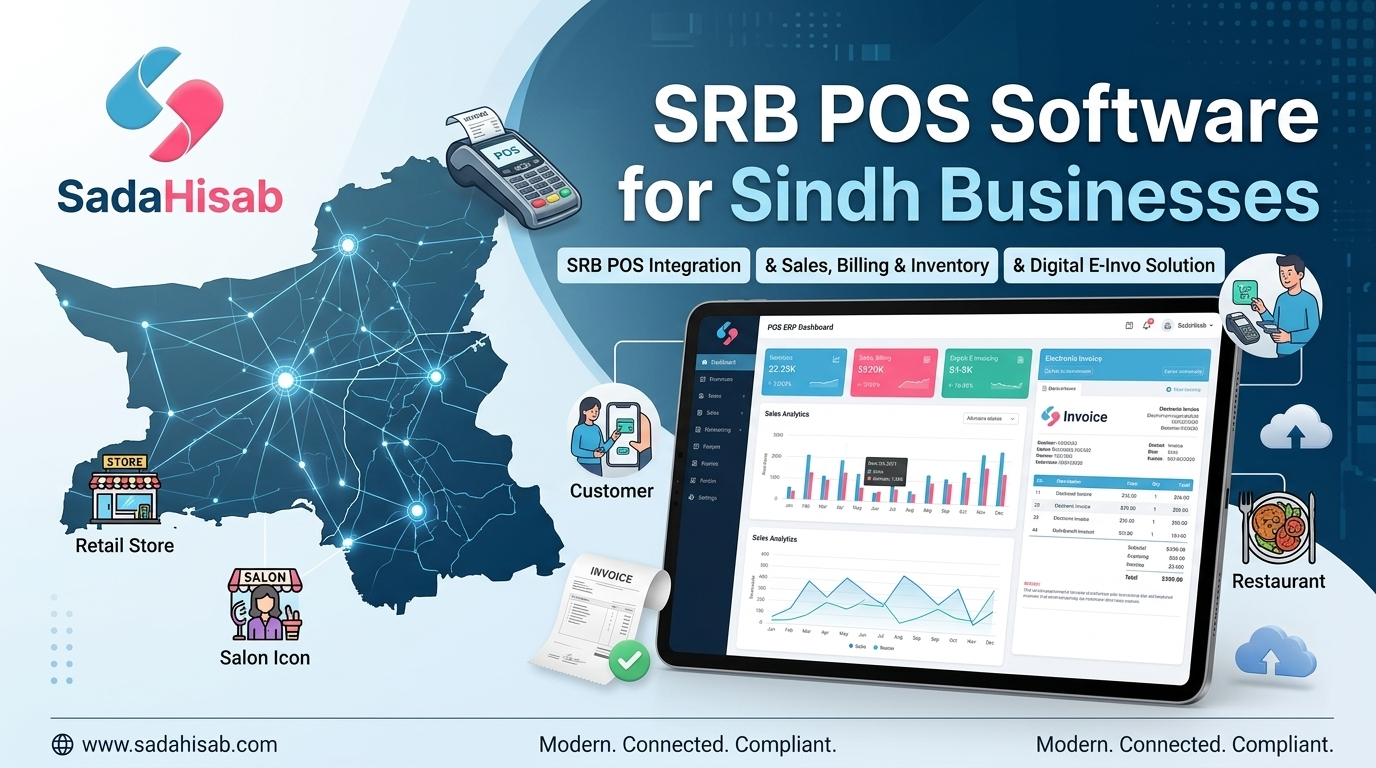
Another important advantage is its focus on tax-related integration. SadaHisab provides FBR and PRA integration services and promotes support for SRB integration. Businesses operating in Khyber Pakhtunkhwa should confirm the exact KPRA integration scope and their required workflow with the provider before signing up. Integration availability and compliance requirements should always be verified for the specific business and tax category.
SadaHisab also has dedicated resources for businesses researching regulatory integration, including its guides to FBR POS integration, SRB POS integration in Pakistan, and SRB POS integration services in Sindh. These pages can help prospective customers understand the relevant services and implementation process.
For businesses looking for a system that connects billing with inventory and financial visibility, SadaHisab deserves a place near the top of your shortlist. It is especially worth evaluating if you want a Pakistani POS and ERP platform that can support your business as its operational needs become more complex.
Best for: Retail shops, wholesalers, pharmacies, salons, restaurants, and all types businesses that need integrated business management.
Before buying: Confirm the required tax integrations, setup fees, plan limits, offline functionality, and total cost for your number of users and branches.
2. Candela Retail Management System
Best for established retail operations and multi-store chains.
Website: LumenSoft
Key strengths: Retail operations, inventory control, store management, and multi-outlet workflows.
Candela, offered by LumenSoft, is a retail management solution worth evaluating if your business operates several outlets or maintains a large product catalogue. Retailers selling clothing, footwear, cosmetics, and other consumer goods often need detailed product records, stock visibility, and consistent procedures across branches. A retail-focused system can help management maintain oversight without depending on separate spreadsheets from each location.
When comparing Candela with the best POS software in Pakistan, consider whether its retail-specific workflows match your business. Ask for a demonstration covering product variations, barcode scanning, transfers between branches, returns, discounts, cashier permissions, and consolidated reporting. If FBR integration is required, request confirmation of the supported configuration and whether it is included in your quotation or charged separately.
Candela may be particularly relevant to established retailers that need structured store management rather than a basic checkout tool. However, implementation complexity, hardware requirements, and the overall cost should be evaluated against the number of outlets and the level of control your business needs.
Best for: Clothing stores, footwear retailers, and multi-branch retail businesses.
3. CISePOS
Best for businesses comparing retail billing with additional management features.
Website: cisepos.com
Key strengths: POS billing, retail management, inventory, and business reporting.
CISePOS is another option for businesses that want to bring sales processing and day-to-day management into a more organised system. Before selecting it, assess how well its product management, purchase records, inventory controls, and reporting tools match your operations. A solution that works for a small retail outlet may need additional configuration to serve a chain with several branches or a large number of daily transactions.
For anyone comparing the best POS software in Pakistan, CISePOS should be evaluated against the same practical requirements as the other providers. Ask the vendor to demonstrate a complete transaction, from creating a product and recording a purchase to generating a sale and reviewing the resulting reports. Also confirm the precise scope and additional charges for FBR, PRA, SRB, or KPRA integration if your business requires them.
Best for: Retailers and businesses looking for a configurable POS and management solution.

4. Oscar POS
Best for businesses evaluating established retail and restaurant POS options.
Website: oscar.pk
Key strengths: Business-specific POS workflows and sales management.
Oscar POS is another provider to investigate if you want software designed around retail or hospitality operations. The right setup should allow your team to process transactions efficiently while giving management access to useful records and reports. Depending on the product and configuration offered, the available workflows may suit businesses with different operating requirements.
Before including Oscar in your final selection, request a demonstration based on your industry rather than a generic presentation. For a retail store, test barcode billing, stock updates, purchase management, and returns. For a restaurant, examine menu management, order handling, table workflows, and kitchen coordination where available.
Tax compliance should be checked separately from general POS functionality. Ask the vendor to demonstrate the required live integration and explain whether it is included in the quoted package. This comparison is essential when choosing the best POS software in Pakistan for a business subject to federal or provincial digital invoicing requirements.
Best for: Businesses that want to evaluate industry-specific billing and management workflows.
5. Moneypex POS
Best for businesses that want to compare POS billing with accounting capabilities.
Website: moneypex.com
Key strengths: POS, business records, and accounting-oriented workflows.
Moneypex is worth considering if you want to compare billing software with a solution that also addresses accounting and business records. Recording a sale is only one part of running a profitable company. You also need to understand purchasing costs, expenses, customer balances, supplier payments, and the difference between revenue and actual profit.
When reviewing Moneypex, ask how sales transactions connect with its accounting features and whether the reports provide the level of detail your accountant or management team requires. If your business regularly experiences internet interruptions, confirm which functions remain available offline and how transactions are synchronised afterwards.
As with every provider on this list, verify the current price, supported hardware, training arrangements, and tax integration requirements before committing. The best POS in Pakistan for an accounting-focused business is one that reduces duplicate work and gives you dependable financial records without adding unnecessary complexity.
Best for: Small and medium-sized businesses that prioritise sales records and accounting visibility.
6. AmalERP
Best for businesses considering a combined POS and ERP platform.
Website: amalerp.com
Key strengths: ERP-oriented management, POS, inventory, and accounting workflows.
AmalERP is a relevant alternative for businesses that want their point-of-sale system to connect with broader operational processes. ERP-based systems can be useful when a business needs to manage more than checkout, including purchasing, stock, accounts, and reporting. The benefit depends on whether the modules fit your actual workflow and communicate reliably with one another.
When comparing AmalERP with SadaHisab and other ERP-based platforms, pay attention to setup costs, included modules, branch limits, staff permissions, and support arrangements. Ask for a practical demonstration of the reports you rely on rather than assuming that every advertised feature is included in the base package.
Tax integration should also be verified for your specific business and province. A general claim of compatibility does not replace confirmation of the actual integration method, supported invoice types, and implementation responsibilities.
Best for: Businesses seeking a broader operational management platform.
7. Foodnerd POS
Best for restaurants and food-service businesses.
Website: Foodnerd
Key strengths: Restaurant-oriented order and service workflows.
Restaurants have different requirements from ordinary retail stores. Staff may need to manage dine-in orders, takeaway purchases, menu variations, kitchen preparation, discounts, and multiple payment methods during busy service periods. A restaurant-focused POS can be more suitable than a generic retail application if it handles these activities efficiently.
Foodnerd is an option to investigate when comparing restaurant software. During the demo, test the full journey from entering an order to sending it to the kitchen, issuing the bill, recording payment, and reviewing daily sales. If you manage delivery orders or multiple outlets, check how those workflows are supported and whether additional integrations are necessary.
Restaurants should also confirm the applicable PRA or other tax-authority requirements for their business. Do not assume that every restaurant POS supports every provincial integration by default.
Best for: Restaurants, cafes, and food-service businesses.
8. Granet Pro
Best for businesses evaluating restaurant and retail workflows.
Website: Granet Pro
Key strengths: POS workflows for businesses needing sales and operational controls.
Granet Pro is another candidate to consider when comparing POS options for hospitality or retail operations. Its suitability depends on the exact product configuration, the features available to your business, and the support provided during implementation.
Before buying, ask whether the system can continue processing essential transactions during an internet outage. Clarify how it handles synchronisation, invoice records, and duplicate transactions after connectivity returns. These practical details matter more than a long list of features that your staff may rarely use.
Request a complete quotation that separates subscriptions, implementation, branch charges, tax integration, hardware, and ongoing support. That makes it easier to compare Granet Pro fairly with the other contenders for the best POS software in Pakistan.
Best for: Businesses whose requirements align with its available retail or hospitality workflows.
9. Nimbus RMS
Best for retailers considering cloud-based retail management.
Website: LumenSoft
Key strengths: Retail management and centralised store operations.
Nimbus RMS is worth reviewing if your business wants a retail management system with cloud-oriented access. A centralised platform can make it easier for owners and managers to review store activity without depending entirely on reports collected manually from different locations.
The most important question is how the system performs under your actual operating conditions. Ask about internet dependency, offline billing, inventory synchronisation, user permissions, and consolidated reporting. If you have multiple outlets, demonstrate a stock transfer and a sale at different branches before making your decision.
Also request written confirmation of integration support and total implementation costs. Comparing the real operating experience will help you determine whether Nimbus is the best POS in Pakistan for your business model.
Best for: Retailers considering centralised management for multiple outlets.
10. Loyverse POS
Best for exploring a basic international POS option.
Website: loyverse.com
Key strengths: Mobile-oriented POS workflows and basic retail management.
Loyverse is an international POS platform that small businesses may consider when exploring basic sales and inventory management. Its appeal is that it offers a way to begin evaluating POS workflows without immediately committing to a comprehensive ERP implementation. However, suitability for a Pakistani business depends on its specific needs, integrations, and operational limitations.
The main consideration is local compliance. Do not assume that a global POS platform supports the FBR, PRA, SRB, or KPRA integration required by your business. Verify the relevant capabilities directly and obtain evidence of the supported workflow before using it for regulated digital invoicing.
For businesses that need local tax integration and broader accounting features, a Pakistan-focused platform may be a more appropriate starting point. Compare total cost, support, connectivity requirements, and reporting capabilities before choosing the best POS software in Pakistan for long-term use.
Best for: Businesses evaluating basic POS workflows where local tax integration is not a required feature, or where a verified compatible integration is available.
Comparison Table: Which POS System Is Right for You?
The following table summarises the main reasons to shortlist each provider. It is a starting point for your research, not a guarantee that every feature is included in every plan.
| POS software | Best suited for | Main reason to consider it |
|---|---|---|
| SadaHisab | Retail, wholesale, and growing businesses | POS + ERP, accounting, inventory, Pakistani tax integration services |
| Candela RMS | Retail chains | Retail-focused management |
| CISePOS | Retail businesses | Billing and management workflows |
| Oscar POS | Retail and hospitality | Business-specific POS workflows |
| Moneypex | Small and medium-sized businesses | POS and accounting-oriented features |
| AmalERP | Growing businesses | POS combined with ERP capabilities |
| Foodnerd | Restaurants | Restaurant-oriented operations |
| Granet Pro | Retail and hospitality | Business-specific operational workflows |
| Nimbus RMS | Retail chains | Centralised retail management |
| Loyverse | Smaller businesses | Basic international POS workflows |
Important: Verify current pricing and integrations directly with each provider. The table does not establish that every system has certified or active integration with all four Pakistani tax authorities.
Essential Features to Look for in POS Software
Choosing the best POS software in Pakistan means identifying features that solve real business problems. A system might look impressive during a sales presentation, but the real test is whether it makes your everyday work easier.
1. Inventory and Stock Management
Inventory management is essential for businesses that sell physical products. Your software should help you record incoming stock, track sales-related stock changes, identify low-stock products, and review inventory reports. If you sell clothing or footwear, product variations such as size and colour may be important. Pharmacies may need batch and expiry tracking, while electronics retailers might require serial-number or IMEI management.
Look for software that matches your product catalogue and purchasing workflow. The objective is to maintain accurate stock records, reduce manual adjustments, and make purchasing decisions using reliable information.

2. Sales, Billing, and Invoice Management
Fast and accurate billing helps create a smoother customer experience. Your POS should support the invoice format your business needs, apply configured discounts and taxes, and retain transaction histories for later review. You should also test how the software handles refunds, cancelled transactions, returns, and invoice corrections.
If you need digital invoicing, ask the vendor to demonstrate the actual integration process rather than showing only a sample receipt. A printed invoice and an electronically verified invoice are not necessarily the same thing.
3. Accounting and Profit Reporting
Sales revenue alone does not tell you whether your business is profitable. A useful POS system should help you review expenses, purchasing costs, customer balances, and financial performance. Depending on the package, you may also need a general ledger, vouchers, bank records, and profit-and-loss reporting.
For businesses that want to avoid maintaining separate systems, an ERP-based solution such as SadaHisab is worth evaluating because it brings POS operations together with accounting and management features.

4. Multi-Branch and Multi-User Access
If you operate multiple branches, centralised reporting can help you compare sales and stock levels across locations. Role-based permissions are equally important because cashiers, managers, accountants, and owners should not necessarily have access to the same functions.
Before choosing the best POS software in Pakistan for a growing business, ask how additional branches and users affect pricing. Confirm whether management can review consolidated reports and whether branch-level transactions remain easy to audit.
5. Cloud Access, Backups, and Offline Capabilities
Cloud access allows authorised users to review business information from supported devices and locations. However, cloud-based does not automatically mean the software can continue billing without an internet connection.
Ask the provider what happens during an outage, which functions remain available, how transactions are stored, and how data synchronises after reconnection. Also clarify backup frequency, data export options, access controls, and recovery procedures. These questions are especially important for businesses that cannot afford to stop billing during busy periods.
FBR, PRA, SRB and KPRA Integration Explained
Tax integration can be one of the most important factors when selecting the best POS software in Pakistan. The correct requirements depend on your business activity, registration status, location, and the rules applicable to your transactions.
FBR Integration
The Federal Board of Revenue handles federal taxation and publishes requirements relating to electronic invoicing and POS integration. Businesses covered by the applicable rules should verify whether their system needs to connect through a licensed integrator and what invoice data must be transmitted.
Read the official FBR electronic invoicing FAQs and ask your provider to demonstrate the required integration for your registration category. You can also explore SadaHisab’s dedicated FBR POS integration guide for a software-focused explanation.
PRA Integration
The Punjab Revenue Authority administers provincial sales tax on services within its jurisdiction. Businesses providing taxable services in Punjab should verify which invoicing and POS requirements apply to their business.
SadaHisab offers PRA integration services, making it a candidate for businesses that want to manage billing and related records through one platform. Restaurants and other service businesses should confirm the exact applicable requirements before implementation.
Explore the PRA official website and SadaHisab’s guide to PRA POS requirements for restaurants.
SRB Integration
The Sindh Revenue Board administers provincial sales tax on services in Sindh. Businesses that fall within applicable integration requirements should choose software that supports the required invoicing and reporting workflow.
SadaHisab publishes a detailed guide to SRB POS integration in Pakistan, covering integration concepts, digital invoices, and related business processes. You can also visit the official SRB portal for authority information.
KPRA Integration
The Khyber Pakhtunkhwa Revenue Authority administers provincial sales tax on services in Khyber Pakhtunkhwa. Businesses operating in the province should confirm their registration obligations and whether their particular activities require an integrated invoicing solution.
Visit the official KPRA website and ask your shortlisted POS provider to demonstrate the exact integration supported for your business. Do not rely on a general claim of multi-tax-authority compatibility without verifying the implementation details.
Before purchasing: Ask for a live demonstration of the relevant integration, confirmation of the supported invoice workflow, and a written breakdown of any additional setup or subscription fees. Tax rules can change, so confirm your obligations with the relevant authority or a qualified tax professional.
How Much Does POS Software Cost in Pakistan?
The price of POS software depends on the included modules, number of users, branch count, hardware requirements, integration needs, and support package. A low monthly subscription may not be the cheapest option if it requires expensive add-ons or separate accounting software.
SadaHisab’s published pricing provides one example of the range available to businesses. The figures below are advertised monthly starting prices, not a market-wide price survey.
| SadaHisab plan | Advertised monthly price | Typical fit |
|---|---|---|
| Starter | PKR 1,800 | Small retail and mobile shops |
| Standard | PKR 4,200 | Wholesalers, salons, clinics, and growing stores |
| Professional | PKR 6,000 | Supermarkets, restaurants, and higher-volume outlets |
| Enterprise | Custom pricing | Larger businesses, brands, and chains |
Source: SadaHisab pricing plans. Confirm current prices, one-time setup fees, and included features with the provider.
FBR Integrated Invoicing Software
When comparing the best POS software in Pakistan, calculate the total cost of ownership, including:
- Monthly or annual software subscription.
- Setup, configuration, and staff training.
- Computers, tablets, receipt printers, and barcode scanners.
- Additional users and branches.
- Tax integration or digital invoicing charges.
- Support, maintenance, data migration, and future upgrades.
A system that costs slightly more each month may offer better value if it replaces multiple applications and reduces duplicate data entry. Compare the complete package rather than choosing solely by the advertised starting price.
How to Choose the Best POS in Pakistan for Your Business
The best solution is the one that fits your operations, rather than the one with the longest feature list. Start by identifying your main business needs and then compare vendors against the same requirements.
For a small retail shop: Prioritise simple billing, stock tracking, customer credit, purchase records, and straightforward sales reports. Avoid paying for advanced modules you will not use.
For wholesalers and distributors: Look for purchase management, supplier balances, stock valuation, customer credit, and detailed reporting. Multiple warehouses or locations may also be important.
For restaurants and cafes: Focus on order handling, menu management, kitchen workflows, discounts, daily closing reports, and applicable provincial tax integration.
For pharmacies: Check batch tracking, expiry alerts, product-level records, and any additional sector-specific requirements.
For multi-branch businesses: Prioritise centralised management, user permissions, branch-level reporting, inventory transfers, and a clear process for handling connectivity interruptions.
For businesses requiring tax integration: Verify the relevant authority, supported invoice workflow, implementation requirements, and the provider’s responsibility for technical support.
Before paying, ask for a live demonstration using your own business scenario. Create a product, record a purchase, process a sale, correct a transaction, and generate a report. This simple test often reveals more than a polished presentation.

Why Consider SadaHisab for Your Business?
When comparing the best POS software in Pakistan, it is worth looking beyond billing speed and considering how the software supports your business as a whole. SadaHisab combines POS and ERP functionality to help businesses manage sales, inventory, purchases, expenses, customer records, and financial reporting through one platform.
Its Pakistani market focus and FBR/PRA integration services make it a relevant option for businesses evaluating digital invoicing alongside everyday operations. SadaHisab also provides resources covering SRB integration and business-specific workflows, while its team can explain the availability of integrations required for other provinces.
You can explore the SadaHisab homepage, review the available pricing plans, or read its POS software guide for small businesses.
The platform is particularly worth considering if you want to bring billing, inventory, and accounting closer together instead of managing these activities through disconnected tools. Its published plans range from options for small businesses to enterprise packages, although the best fit will depend on your actual requirements and any additional implementation costs.
Conclusion
Finding the best POS software in Pakistan in 2026 means choosing a system that fits your business, supports your daily operations, and meets the tax integration requirements applicable to your activities. Candela and Nimbus RMS are worth investigating for retail-focused operations, Foodnerd for restaurant workflows, and Moneypex or AmalERP for businesses comparing accounting and ERP capabilities. Other options may also suit your business depending on your budget, industry, and preferred setup.
However, if you want a Pakistani POS solution that brings billing, inventory management, accounting, sales reporting, and tax integration services into one platform, SadaHisab deserves a place at the top of your shortlist. Its ERP-based approach is worth evaluating if you want to manage everyday business activities through one system and gain better visibility into sales, expenses, and profitability. SadaHisab also publishes dedicated integration resources and offers plans for different business sizes.
Before making your final decision, request a demonstration, confirm the integrations you need, and calculate the complete cost of implementation. The right POS system should not simply record transactions. It should help you manage your business with better information and greater control.
Ready to compare SadaHisab with other POS solutions? Visit SadaHisab.com to explore its features and pricing plans, or contact the team to discuss your business requirements and arrange a demonstration.