

For small and medium-sized enterprises (SMEs) in Pakistan, selecting the right accounting software in Pakistan is a business decision that can have a lasting impact on financial management. Paper registers, handwritten ledgers, and disconnected Excel spreadsheets may seem manageable during the early stages of a business. However, as transaction volumes increase, supplier payments accumulate, and tax deadlines draw closer, these methods become increasingly difficult to maintain. A minor calculation error or an overlooked entry can gradually turn into a financial discrepancy.
Reliable accounting software brings sales, purchases, expenses, inventory, and financial records under one roof. Rather than piecing together figures from different sources, business owners can examine their financial position, identify outstanding payments, and determine how much money remains available.
This guide examines the workings of accounting software, the essential capabilities Pakistani SMEs should prioritise, the differences between cloud and desktop solutions, and the considerations that matter when investing in a system designed for long-term business expansion.
What Does Accounting Software Actually Do?
Accounting software serves as the financial record-keeping centre of a business. It documents incoming and outgoing transactions, classifies financial activities, and converts raw figures into meaningful accounting reports.
Instead of manually documenting every sale, purchase, expense, and payment, the system organises transactions according to their dates, customers, suppliers, and corresponding ledger accounts.
For an ordinary Pakistani SME, this means having a centralised record of daily revenue, customer receivables, supplier liabilities, operational expenditure, salaries, rent, and utility bills. Business owners can also review profitability, cash flow, and unpaid balances without waiting for an accountant to compile figures from separate registers.
These records are equally valuable when preparing tax documentation, approaching financial institutions, or applying for business financing.
The real advantage emerges when accounting operates alongside sales and inventory. Consider a retail transaction: once an invoice is generated at the counter, the software can register the revenue, deduct the sold quantity from available stock, and update the relevant cash or bank account. One transaction, multiple records updated automatically. This eliminates repetitive data entry and reduces the discrepancies commonly associated with manual bookkeeping.

Essential Accounting Software Features for Pakistani SMEs
Accounting requirements differ from one industry to another. A pharmacy management software does not manage its finances in precisely the same way as a clothing outlet or restaurant. Nevertheless, certain capabilities should be present in any dependable accounting solution intended for the Pakistani market.
1. Invoicing and Billing Management
Professional invoicing is among the fundamental requirements of business accounting. Your software should generate properly structured invoices within seconds, displaying your business information, NTN, product descriptions, quantities, prices, and applicable payment terms.
More importantly, it should accommodate the payment practices commonly found in Pakistan, including:
- Cash and credit transactions.
- Partial payments and advance receipts.
- Customer discounts and price adjustments.
- Automatic invoice numbering.
- Outstanding customer balances.
- Complete sales and payment histories.
A properly maintained invoicing system makes it considerably easier to identify overdue accounts and follow up with customers. It also establishes a dependable transaction trail for future reference.
2. General Ledger and Chart of Accounts
The general ledger forms the backbone of financial accounting. It classifies business transactions under appropriate headings, including revenue, expenses, assets, liabilities, and equity.
A well-structured Chart of Accounts (COA) allows businesses to organise their financial activities according to their operational requirements. Whether you manage a pharmaceutical outlet, grocery store, garments business, or restaurant, the software should allow suitable account heads rather than imposing an inflexible accounting structure.
This information feeds directly into essential financial statements, particularly the profit and loss statement and balance sheet.
With properly maintained ledger entries, business owners can examine financial performance without manually reconciling scattered records every month.
3. Payroll and Employee Management
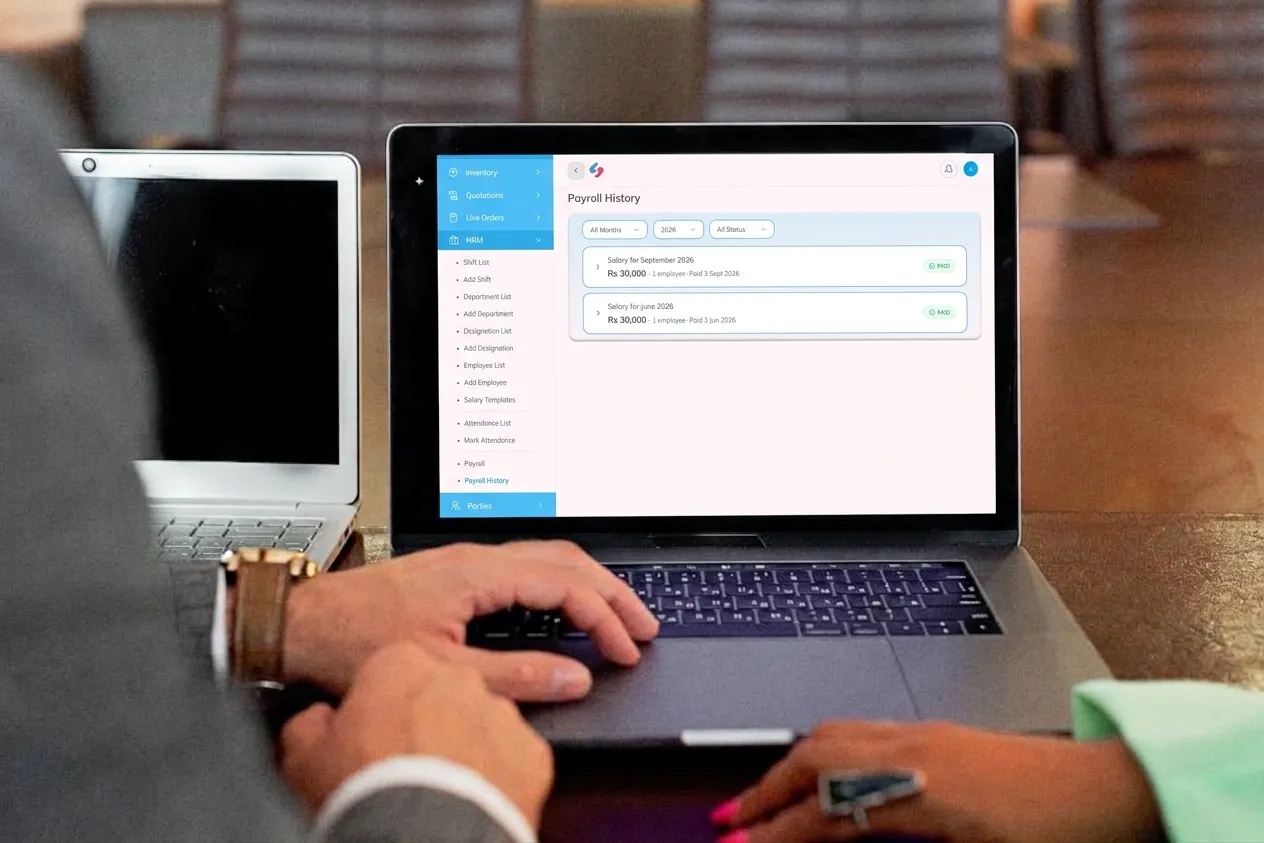
Managing salaries manually becomes increasingly cumbersome as the workforce expands. Payroll functionality helps businesses calculate monthly remuneration, allowances, deductions, employee advances, and leave adjustments.
The software should also maintain individual employee records and provide a documented salary history.
This matters more than it might initially appear. An incorrect salary calculation can create unnecessary disputes, while poorly maintained attendance and payment records make subsequent verification difficult. Automated payroll reduces repetitive calculations and keeps employee-related financial information organised.
4. Inventory-Linked Accounting
One frequently overlooked requirement in standalone accounting applications is the connection between inventory and financial records. For retailers, wholesalers, pharmacies, and restaurants, this connection is particularly consequential.
When inventory and accounting operate independently, businesses often end up maintaining separate purchase records, stock registers, and financial entries. Reconciling these records takes time and leaves room for discrepancies.
An integrated system handles these activities together:
- Purchases increase the recorded inventory value.
- Sales reduce available stock quantities.
- Cost of Goods Sold (COGS) is calculated through inventory transactions.
- Supplier balances reflect purchase payments and outstanding liabilities.
- Product-level performance becomes easier to evaluate.
This provides a more credible picture of actual profitability. Instead of relying on an outdated stock register or rough estimates, management can assess product costs, selling prices, and margins using current records.
5. Tax Compliance and FBR-Ready Reporting
Pakistan’s taxation framework is progressively moving towards digital documentation and electronic invoicing. Consequently, accounting software should accommodate applicable reporting requirements rather than treating tax documentation as an afterthought.
Look for a system that can generate organized, exportable sales tax and income tax reports and support FBR-compliant digital invoicing wherever applicable. Businesses falling under the relevant FBR or PRA tax compliance requirements should also verify whether the software offers the necessary integration.
Even if your business does not currently fall within Tier-1 retailer requirements, selecting an FBR- and PRA-integrated solution, such as Sada Hisab, can reduce the complications associated with changing accounting platforms when compliance obligations expand. The objective is straightforward: maintain accurate financial records while keeping invoicing and reporting aligned with the applicable regulatory framework.

6. Bank Reconciliation and Cash Management
A difference between your accounting records and actual bank balance should never remain unexplained. Bank reconciliation functionality helps match recorded transactions against bank statements, making it easier to identify missing deposits, service charges, duplicate entries, and returned payments.
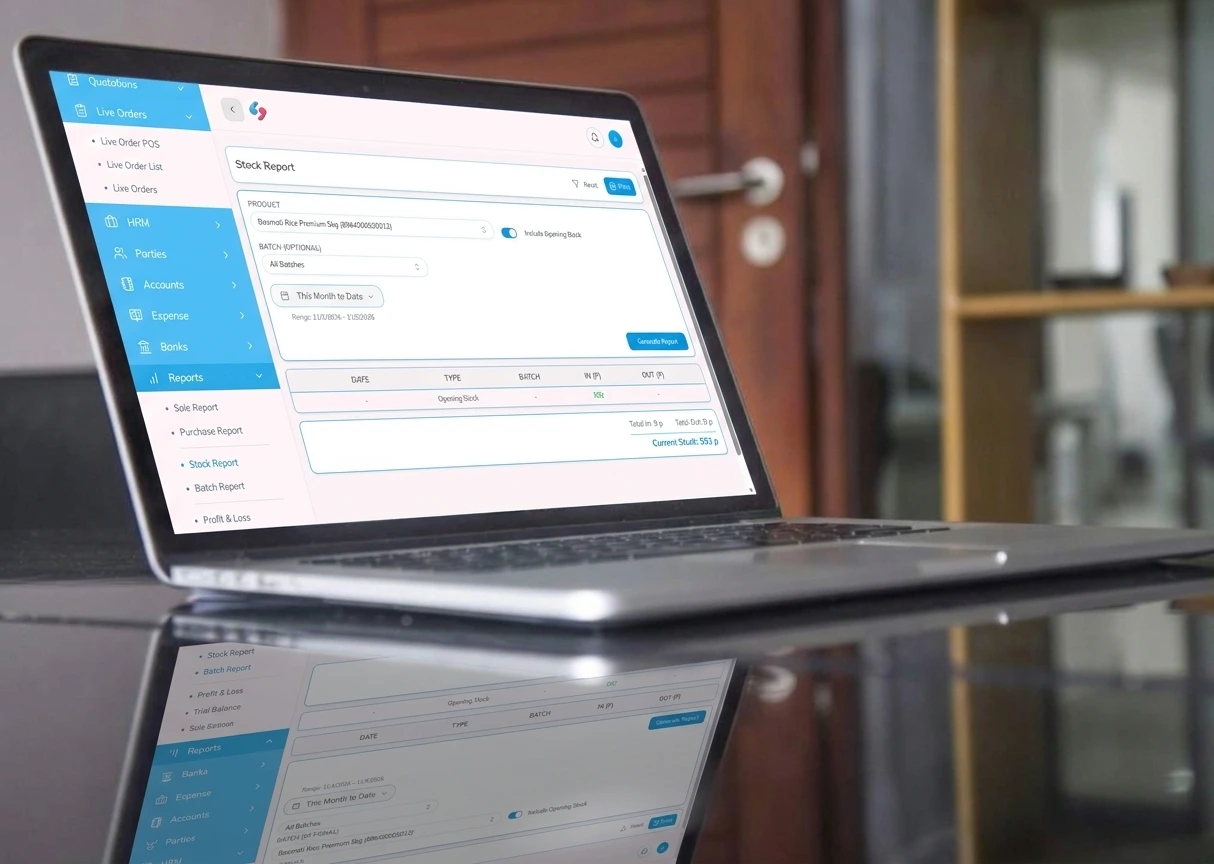
Cash management is equally important for businesses handling numerous daily transactions. Daily cash summaries, counter-wise sales records, payment histories, and day-end reports provide greater oversight when closing accounts. These records also make it easier to identify discrepancies before they develop into larger financial problems.
Cloud vs Desktop Accounting Software: Which Is More Suitable?
Choosing between cloud-based and desktop accounting software depends on your business structure, internet connectivity, number of operating locations, and accessibility requirements.
Both approaches have practical advantages, but their suitability changes as a business develops.
1.Cloud Accounting Software
Cloud accounting software operates through internet-connected platforms, allowing authorized users to access financial records from different locations and devices. An owner can review sales from home, an accountant can examine ledger entries remotely, and branch managers can work with shared business records without maintaining separate accounting databases.
Its principal advantages include:
- Remote accessibility: View financial information through supported devices and locations.
- Automatic backups: Reduce dependence on manually maintained local copies.
- Centralized operations: Manage multiple branches through a shared system.
- Continuous updates: Receive software improvements without repeatedly reinstalling applications.
- Real-time reporting: Examine current sales, inventory, and financial performance.
Cloud solutions generally operate through monthly or annual subscriptions and require a reasonably dependable internet connection.
For expanding SMEs, particularly those operating multiple branches or requiring remote financial supervision, cloud accounting is often the more adaptable arrangement.
2.Desktop Accounting Software
Desktop accounting applications are installed directly on a computer and generally maintain their working data locally. For a small business operating from a single location, this arrangement can be convenient. Employees can access the application without depending on a continuous internet connection, and some products offer a one-time licensing arrangement instead of recurring subscriptions.
However, several limitations deserve attention:
- Financial records remain dependent on the installed computer.
- Backup arrangements must be managed carefully.
- Remote access can require additional configuration.
- Expanding into multiple branches may necessitate separate installations or systems.
- Hardware failure can create serious data-access problems if backups are inadequate.
Desktop accounting can remain a sensible choice for businesses with one operating location, unreliable internet, and little requirement for remote supervision. Nevertheless, SMEs anticipating expansion should examine cloud-based alternatives. Some modern platforms also provide offline billing capabilities, allowing transactions to synchronize once internet connectivity becomes available.

How to Select the Right Accounting Software in Pakistan
Comparing accounting applications solely by their advertised prices can lead to an unsuitable purchase. A cheaper subscription may lack essential modules, while an apparently expensive platform might include capabilities that would otherwise require several separate applications.
Before making a commitment, examine the following considerations.
1- Prioritize local technical assistance: Software support should not disappear when your business encounters an issue during peak operating hours. Look for a Pakistani support team familiar with local accounting practices, digital invoicing requirements, and FBR/PRA regulations. Assistance in Urdu or English can also make staff training considerably easier.
2- Examine the actual PKR subscription structure: Ask what the quoted price includes. Does it cover multiple users, additional branches, inventory, payroll, invoicing, and financial reporting? Are there separate charges for integrations or additional modules? Transparent Pakistani rupee pricing makes expenditure easier to forecast and avoids uncertainty caused by currency fluctuations.
3- Check Urdu and English compatibility: Your counter staff may be more comfortable working in Urdu, whereas accountants, auditors, and financial institutions generally require clearly structured English documentation. Bilingual usability can reduce misunderstandings and shorten the learning curve.
4- Consider future ERP requirements: Your immediate requirement might be limited to bookkeeping, but operational demands rarely remain unchanged. Additional branches, POS billing, warehouse management, inventory control, and advanced reporting may become necessary later. An ERP-based platform allows businesses to introduce these capabilities without repeatedly migrating their records between unrelated applications.
5- Evaluate the software using actual business transactions: A demonstration should go beyond attractive dashboards and promotional screenshots. Enter a representative week’s sales, purchases, expenses, and customer payments. Then examine the resulting ledger, cash flow, and profit and loss statements. If the figures are difficult to interpret during the demonstration, daily usage may become equally frustrating.
6- Investigate data security and backup arrangements: Ask where your financial information is hosted, how frequently backups are maintained, which employees can access particular records, and whether complete data exports are available. Your accounting history is a valuable business asset, so retaining access to your records should remain a priority.
How Sada Hisab Brings Accounting Together with POS and Inventory
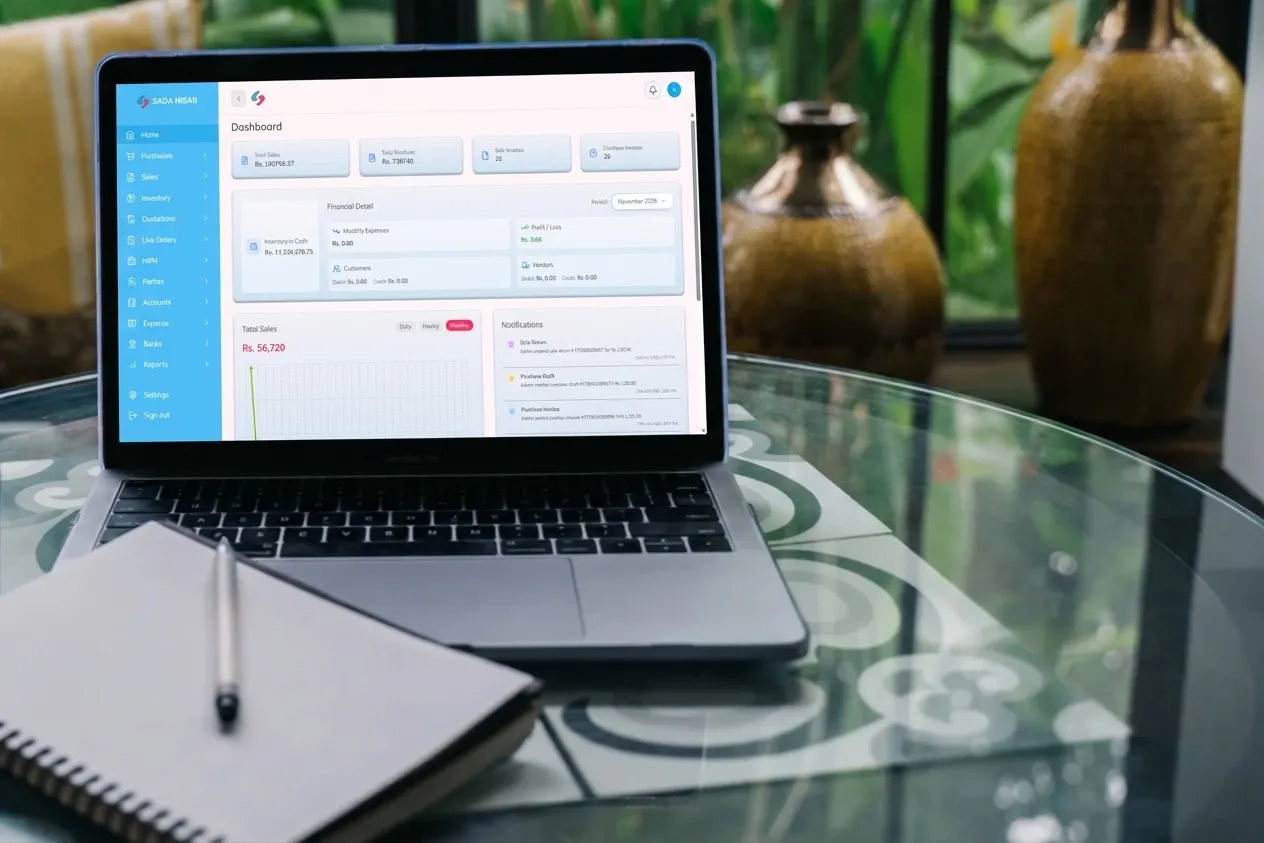
Sada Hisab is developed as a complete ERP solution for businesses in Pakistan, bringing accounting, POS operations, inventory management, and digital invoicing into one connected platform.
Rather than treating accounting as an isolated module, the system connects financial transactions with everyday commercial activities. This arrangement is particularly useful for SMEs that would otherwise maintain separate applications for billing, stock control, and bookkeeping.
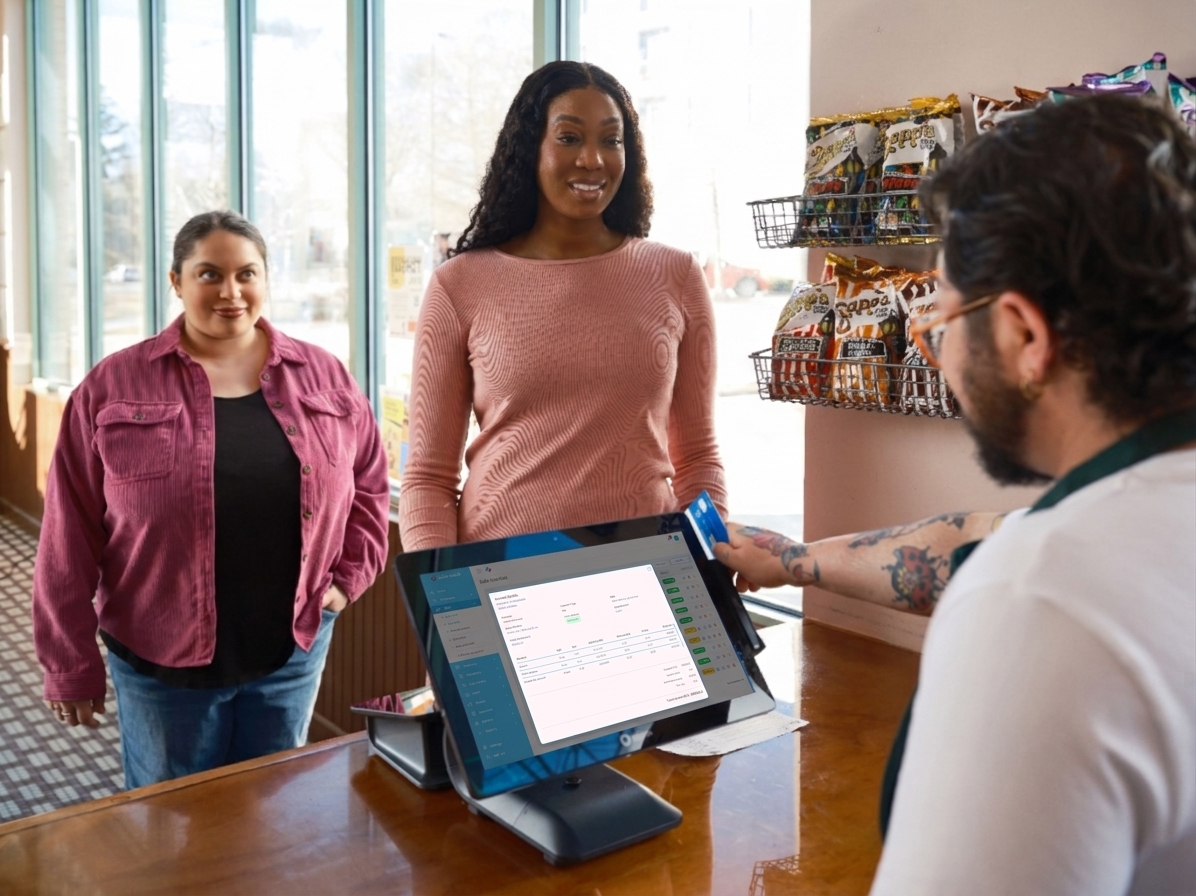
For instance, when a customer purchases products at the counter, the transaction is recorded in the accounts while the corresponding inventory quantities are adjusted. Similarly, when a business purchases goods from a supplier, the purchase record, supplier balance, and stock valuation are updated through the connected workflow.
Other financial activities, including payroll, operational expenses, receipts, payments, and bank transactions, contribute to the accounting records. Business owners can consequently examine their financial position using reports generated from the same underlying data.
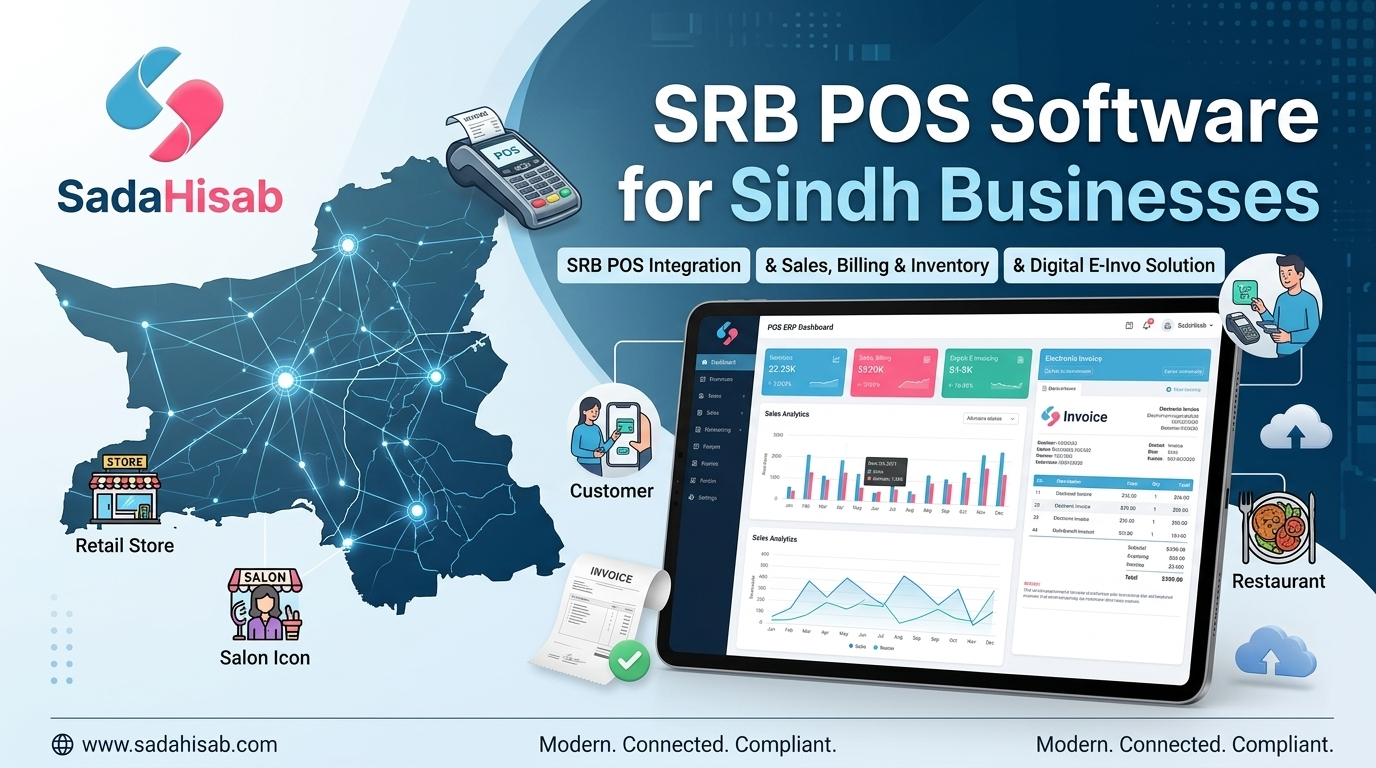
Sada Hisab also provides FBR and PRA integration, supporting compliant digital invoicing for businesses subject to the relevant requirements. Its reporting capabilities help accountants access organised financial information when preparing business accounts and tax documentation.
For pharmacies, retailers, restaurants, and wholesale businesses, having POS billing, inventory, and accounting within one ERP eliminates a persistent operational headache: entering the same transaction into three different systems and subsequently trying to reconcile inconsistent figures. The result is a more connected approach to business administration, where sales activity and financial reporting remain closely aligned.
Conclusion
Choosing suitable accounting software in Pakistan is about much more than replacing handwritten registers or abandoning Excel spreadsheets. It is about establishing a dependable financial structure that keeps business transactions traceable, inventory figures accurate, and financial reports readily accessible.
For Pakistani SMEs, the right platform should combine essential accounting functions with practical features such as invoicing, payroll, inventory management, bank reconciliation, and applicable tax integrations. Local assistance, transparent PKR pricing plans like Sada Hisab, dependable backups, and room for future expansion should also influence the decision.
Sada Hisab brings accounting, POS billing, inventory management, and FBR/PRA digital invoicing together through one ERP platform developed for Pakistani businesses.
Book your free Sada Hisab demo today and explore how connected accounting and business management can make everyday operations easier to supervise, financial records easier to maintain, and business growth easier to manage.