

Running a business in Sindh means keeping track of sales, invoices, customer transactions, and Sindh sales tax requirements at the same time. For businesses providing taxable services, managing these requirements manually can create unnecessary work and increase the risk of incorrect invoices, missing records, or reporting discrepancies.
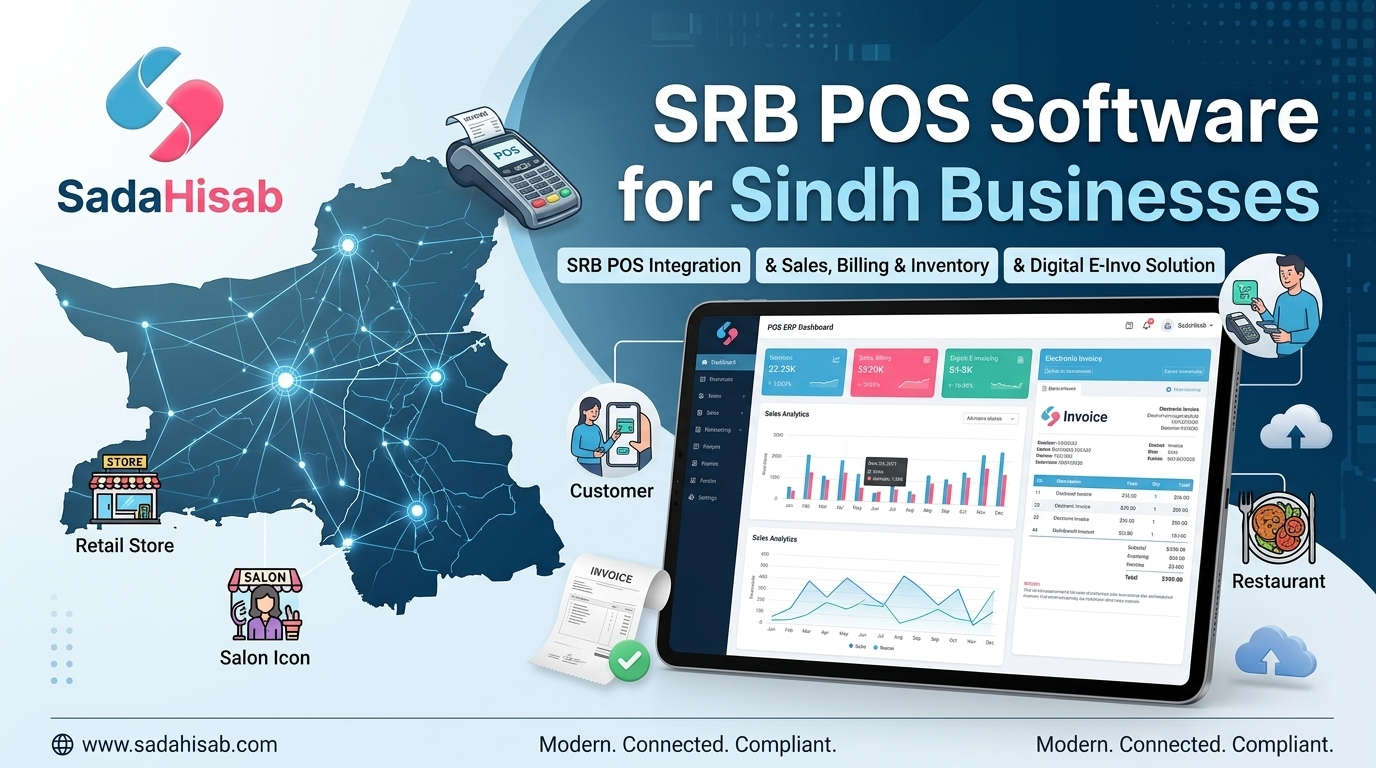
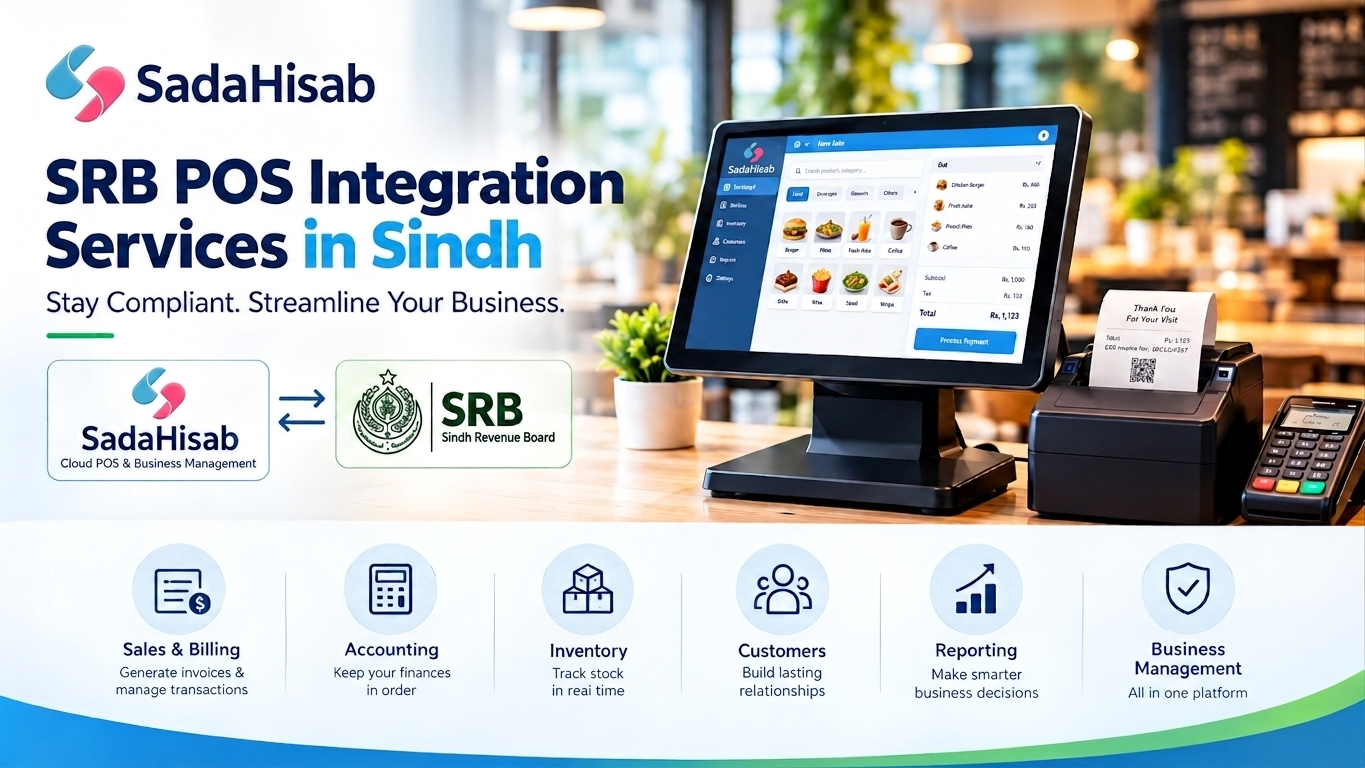
SRB POS integration connects your Point of Sale (POS) software with the Sindh Revenue Board (SRB) so that relevant sales and tax information can be processed through an integrated billing system. Instead of treating billing and tax reporting as two separate processes, businesses can manage transactions through a POS system designed around their SRB compliance requirements.
Instead of managing your sales transactions separately from your tax and invoicing processes, SadaHisab POS Software helps businesses bring sales, billing, inventory, accounts, and tax-related operations into one centralized system. With SRB POS integration, businesses can streamline their invoicing workflow and maintain organized digital transaction records.
Whether you operate a restaurant, retail business, pharmacy, salon, cafe, or another business that needs to manage SRB-related requirements, SadaHisab provides a practical POS solution designed to simplify everyday business operations.
This guide explains SRB registration, eSRB login, the SRB portal, SRB verification, SRB invoice verification, SRB ATL status, e-invoicing, and best SRB-integrated POS software so business owners in Sindh can understand what they need and how POS integration can simplify day-to-day operations.
What Is SRB POS Integration?
SRB POS integration is the connection between a business’s Point of Sale software and the systems used by the Sindh Revenue Board for applicable tax and invoice reporting.
With an integrated POS system, a business can record sales, calculate applicable Sindh sales tax, generate invoices, maintain transaction records, and support the electronic reporting and verification requirements applicable to its business.
The purpose is not simply to replace a cash register. A properly configured POS system can bring sales and tax-related information into one workflow, reducing duplicate data entry and making business records easier to manage.
SRB’s official electronic services include registration, tax payment, return filing, POS invoice verification and ATL-status verification.
With SadaHisab, businesses can manage their core operations from one platform, including:
- Sales and billing
- Digital invoicing
- Inventory management
- Customer management
- Supplier management
- Business accounts
- Sales and financial reports
- Tax-related invoice information
- SRB integration
This means your staff can continue processing sales through the normal POS workflow while the system helps maintain the information required for your business’s tax and compliance processes.
Why Is SRB POS Integration Important?
Manual billing creates several opportunities for errors:
- Incorrect tax calculations
- Missing transaction records
- Duplicate data entry
- Inconsistent invoice information
- Difficulty reconciling sales with tax records
- Time-consuming reporting
- Poor visibility into daily transactions
An SRB-compliant POS software solution can help businesses organize these processes within their normal billing workflow.

What Is the Sindh Revenue Board (SRB)?
The Sindh Revenue Board, commonly known as SRB, is responsible for the administration and collection of Sindh sales tax on services.
The official SRB website provides electronic services for taxpayers, including e-registration, e-sign-up, e-enrollment, return filing, tax payment and taxpayer-related verification services.
The applicable taxable services are defined under the Sindh Sales Tax on Services Act, 2011 and related rules. SRB states that taxable services are listed in the Second Schedule of the Act and advises Sindh-based taxpayers whose activities fall within its scope to register and regularly pay their sales tax returns.
For businesses, understanding whether their activity falls within SRB’s taxable-services framework should come before configuring their POS tax settings.
Who Needs SRB Registration?
Whether a business needs to register with SRB depends on the nature of its taxable services and the applicable provisions of Sindh’s sales tax legislation.
Businesses operating in areas such as:
- Restaurants and food services
- Hotels and hospitality
- Catering services
- Marriage halls and event venues
- Beauty and salon services
- Clubs
- Cafes
- Other taxable services
may need to consider their SRB registration and compliance obligations.
SRB publishes its taxable-services information and applicable rates on its official website, so businesses should verify their specific service category rather than relying on a generic tax rate or assumption.
How to Register with SRB Online
Businesses that need SRB registration can use the electronic services provided by SRB. The SRB website provides an e-Registration facility along with other taxpayer services. A typical registration process involves providing business and taxpayer information through the relevant SRB electronic system. Before starting, keep your business information and relevant registration documents available so that the information entered into the portal is accurate and consistent.
SRB Online Registration Process
The general process can be approached as follows:
Step 1: Access the SRB Portal
Go to the official SRB electronic services portal and select the relevant registration option.
Step 2: Enter Business Information
Provide the required information about your business, ownership, business activity, address and other applicable details.
Step 3: Provide Taxpayer Information
Enter the required taxpayer information and registration details.
Step 4: Submit the Registration
Review the information carefully before submitting the application.
Step 5: Receive Your SRB Registration Details
Once the registration process is completed, the business receives its relevant SRB registration information.
Businesses should always verify current requirements directly with SRB because registration procedures and documentation requirements can change.

What Is eSRB Login?
eSRB login refers to accessing the electronic services provided through SRB’s online taxpayer system.
Registered taxpayers can use the electronic portal for applicable tax-related activities, including return-related processes.
SRB’s published guidance for electronic filing instructs registered users to log in to the eSRB web portal using their assigned credentials and then select the relevant sales tax return and tax period.
For businesses, maintaining secure access to the eSRB portal is important because the portal is part of the broader electronic tax administration process.
What Can You Do Through the SRB Portal?
Depending on the service available to your taxpayer account, the SRB electronic system supports functions such as:
- Registration
- Enrollment
- Return filing
- Tax payment
- Taxpayer searches
- POS invoice verification
- ATL status verification
These services are listed by SRB on its official website.
What Is SRB Verification?
SRB invoice verification allows users to check taxpayer or invoice-related information through SRB’s available verification services.
For businesses, verification can be useful when confirming registration information or checking whether an invoice or taxpayer record can be validated through the relevant SRB system.
SRB also provides a dedicated POS invoice verification service through its electronic services.
SRB Online Verification
Businesses and customers may need to verify information related to SRB-registered taxpayers or invoices.
The official SRB website provides online taxpayer and POS invoice verification services, making verification an important part of transparent electronic tax documentation.
For example, SRB guidance explains that the SNTN is the unique identification number issued to an SRB-registered taxpayer/service provider and that registration can be verified through the SRB’s online taxpayer search.
What Is SRB ATL?
SRB ATL refers to the Active Taxpayer List status associated with SRB taxpayers.
The SRB electronic services section provides an option to Verify ATL Status, allowing users to check applicable taxpayer status through the SRB system.
For businesses, maintaining accurate registration and tax records is important because taxpayer status can affect how the business manages its tax-related obligations.
Instead of treating ATL status as an isolated task, businesses can maintain organized sales and invoice records through their POS software and use the appropriate SRB services for official verification.
What Is SRB e-Invoicing?
SRB e-invoicing refers to the electronic processing and reporting of invoices under applicable SRB requirements.
For an integrated business, the POS becomes an important part of the billing workflow because sales transactions originate at the point of sale.
A well-configured SRB-integrated POS can help businesses:
- Generate structured invoices
- Apply configured tax rules
- Record transaction information
- Maintain invoice histories
- Support electronic invoice reporting
- Make invoice records easier to reconcile
- Provide information needed for verification
SRB’s official framework includes rules concerning online integration of businesses, and SRB currently publishes the Sindh Sales Tax Special Procedure (Online Integration of Business) Rules, 2022, updated through July 1, 2026.
How SRB POS Integration Works
The basic workflow is straightforward.
1. Customer Purchase Is Recorded
The cashier enters the customer’s transaction into the POS system.
2. Tax Is Calculated
The POS applies the tax configuration relevant to the business and transaction.
3. Invoice Is Generated
The system generates the required invoice information according to the configured billing and SRB requirements.
4. Transaction Data Is Processed
The integrated system processes the applicable information for electronic reporting or synchronization with the relevant SRB system.
5. Invoice Information Is Stored
The transaction remains available within the POS for reporting, reconciliation and business record keeping.
6. Business Reports Can Be Reviewed
Management can review sales and tax-related information from the POS rather than manually compiling every transaction.
This workflow reduces the gap between selling a product or service and maintaining the corresponding business records.

Key Features of SRB Integrated POS Software
Choosing an SRB-compatible POS is about more than adding a tax field to an invoice. Your POS should support your actual business operations while helping you maintain organized records.
1- Real-Time Transaction Processing
Sales transactions can be processed through the POS as they happen, creating a consistent record of daily business activity.
2- SRB-Compliant Invoice Configuration
The POS can be configured around the applicable SRB invoice and tax requirements for your business.
3- Automated Tax Calculation
Instead of asking cashiers to manually calculate tax, the system can apply configured tax rules during billing.
4- SRB Invoice Records
Keep invoice and transaction information organized inside the POS for easier review and reconciliation.
5- POS Invoice Verification Support
Integrated billing can make it easier to maintain the information associated with invoices that may need to be verified through SRB services.
6- Sales and Tax Reports
Business owners can review sales and tax-related reports without manually compiling transaction records from separate sources.
7- Multi-Branch Management
Businesses operating multiple outlets can manage sales information centrally while maintaining branch-level visibility.
8- Inventory and Sales Synchronization
For businesses that manage inventory alongside billing, stock movement can be connected to sales transactions.
9- Secure Business Records
Digital records make it easier to retrieve historical transaction information when required for business management or tax-related review.
SRB Tax Rates and POS Configuration
Tax rates should never be copied blindly from another website or an old POS setup. SRB states that the general rate of Sindh sales tax on services is 15%, with certain reduced or concessionary rates depending on the applicable service and circumstances.
For restaurants, SRB currently explains that the standard rate is 15%, while an 8% rate can apply to certain digital-payment transactions. SRB also maintains specific restaurant lists and provisions related to POS integration. Therefore, your POS should be configured according to the current SRB rules applicable to your business, rather than using a one-size-fits-all tax setting.

Why Choose SadaHisab for SRB Integrated POS Software?
There are many POS systems that can process sales. However, businesses often need much more than a billing screen.
SadaHisab combines POS, inventory, accounts, customers, suppliers, reporting, and tax-related integration in one business management platform.
One Platform for Business Operations
Manage daily business activities without maintaining separate systems for sales, inventory, accounts, and reporting.
Built for Pakistani Businesses
SadaHisab is designed around the operational and tax-related needs of businesses operating in Pakistan.
Tax Integration Support
Get support for applicable FBR, PRA, SRB, and other tax authority integrations depending on your business requirements.
Easy Digital Record Keeping
Replace scattered manual records with centralized digital transaction data.
Better Business Visibility
Owners can review sales, inventory, customers, suppliers, accounts, and reports from one system.
Scalable POS Solution
As your business grows, you can continue managing increasing transactions and business operations through the same platform.
Integration Support
SadaHisab’s team can assist with the technical setup and configuration required for your POS integration.
SRB POS Integration vs. Manual Tax Management
| Manual Process | Sadahisab Integrated POS |
|---|---|
| Sales recorded separately | Sales recorded directly in POS |
| Manual tax calculations | Configured tax calculations |
| Separate invoice records | Centralized invoice history |
| Repeated data entry | Automated data flow |
| Manual report preparation | POS-generated reports |
| Difficult transaction tracking | Searchable digital records |
| Higher risk of entry errors | Reduced manual entry |
| Time-consuming reconciliation | Easier reconciliation |
The objective is not simply automation for its own sake. The goal is to create a single, reliable workflow from sale to invoice to business record.
How to Choose the Right SRB POS Integration Service
Before choosing an SRB POS integration provider, ask these questions:
Does the POS support SRB integration?
The provider should clearly explain how the POS connects with the applicable SRB system and requirements.
Can the tax configuration be customized?
Your business may have specific tax rules depending on its services and payment methods.
Does the system maintain invoice records?
You should be able to retrieve historical invoices and transaction information.
Can I generate sales and tax reports?
Reports are essential for reconciliation and business management.
Does the provider handle integration setup?
A technical integration can involve configuration, testing and validation. Your provider should explain what is included.
Is ongoing support available?
Tax systems and integration requirements can change. Reliable support is important after deployment.
Can the POS handle my business operations?
SRB integration should not come at the cost of normal POS functionality. Your system should also support the operational needs of your business.
SadaHisab Supports More Than SRB Integration
If your business operates in Pakistan, you may have requirements involving different tax authorities depending on your location, industry, and business activity.
SadaHisab can support businesses with applicable integrations such as:
- FBR Digital Invoicing
- SRB Integration
- KPRA Integration
- PRA Integration
Instead of purchasing separate POS systems for different business requirements, SadaHisab provides a centralized business management platform with tax integration capabilities.
The applicable integration depends on your business registration, location, transaction type, and current requirements.
SRB POS Integration for Sindh Businesses
For businesses in Karachi and across Sindh, SRB compliance should be built into the billing process rather than handled as an afterthought.
A properly configured SRB integrated POS software can help businesses connect daily sales with electronic invoicing, transaction records, tax calculations and reporting workflows.
Whether you operate a restaurant, cafe, hotel, salon, catering business, event venue or another taxable service business, the right POS setup can make compliance-related processes more organized while giving management better control over daily operations.

Get SRB Integrated POS Software with SadaHisab
If your business operates in Sindh and needs a POS system that can support SRB integration, digital invoicing, sales management, inventory, accounting, and business reporting, SadaHisab provides a complete solution under one platform.
You do not need a POS that only prints receipts. You need a system that helps you sell, manage inventory, track customers, manage accounts, generate reports, and maintain organized tax-related records. With SadaHisab, your business can move from manual billing to a more connected and efficient digital POS workflow.
Contact SadaHisab today to discuss your business requirements and get started with an SRB-integrated POS solution.