
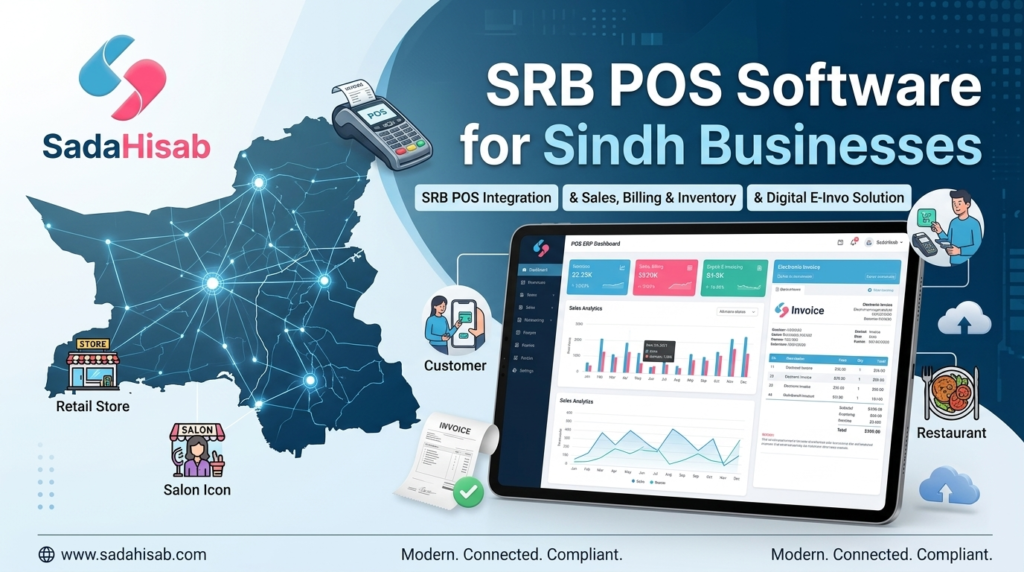
Running a business in Sindh is becoming increasingly digital. Whether you operate a restaurant in Karachi, a salon in Hyderabad, a retail business in Sukkur, or a service-based company elsewhere in Sindh, managing sales and invoices manually can quickly become difficult.
A modern SRB POS software solution can bring several everyday business activities into one place:
- Sales and billing
- Digital invoicing
- Inventory management
- Customer records
- Accounting
- Expense tracking
- Business reporting
- Multi-branch management
- SRB POS integration
For businesses that fall under applicable Sindh Revenue Board requirements, choosing the right POS system can also help create a more organised digital invoicing workflow.
Important: Tax and POS requirements can vary by business type and may change over time. Always verify your current obligations through the official Sindh Revenue Board resources.
What Is SRB POS Software?
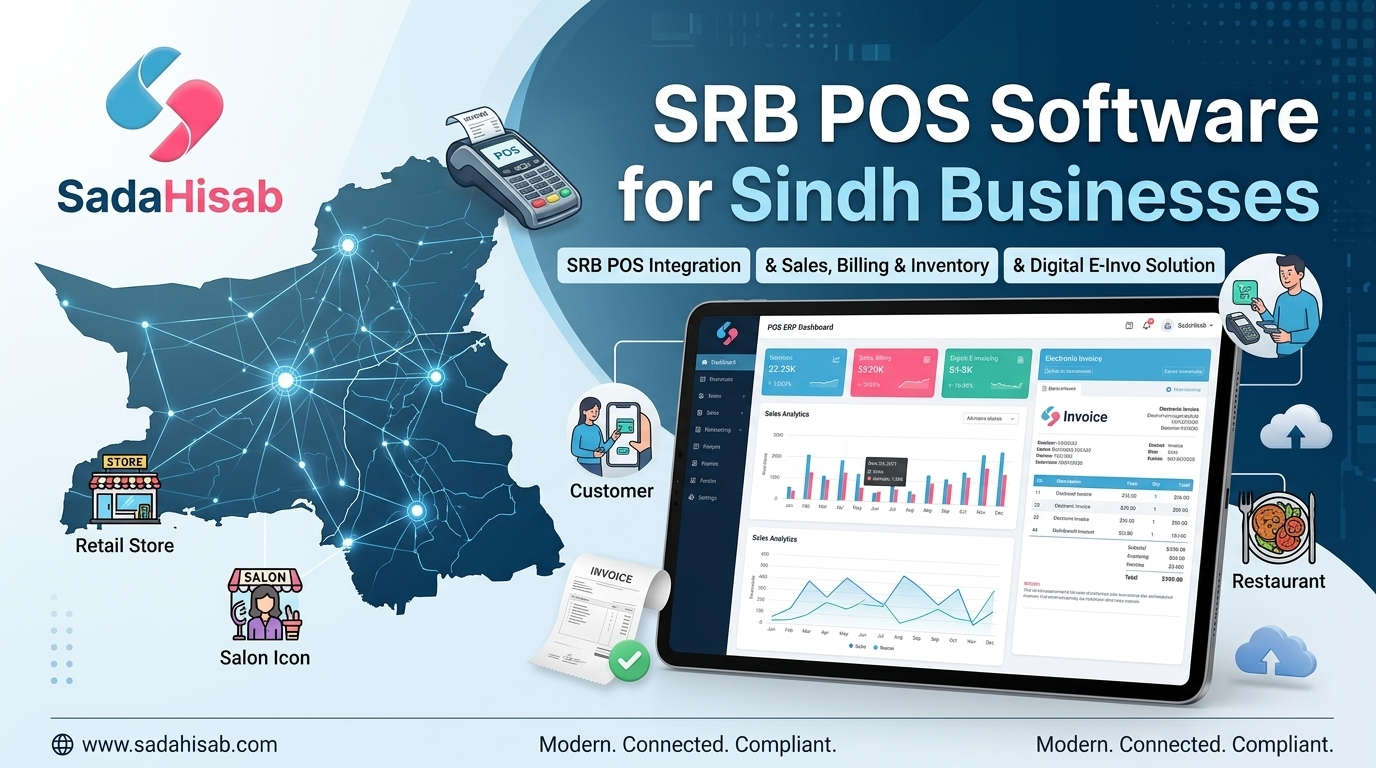
SRB POS software is a point-of-sale system designed to help businesses manage daily transactions while supporting the applicable Sindh Revenue Board POS and e-invoicing workflow.
Instead of using one system for billing, another for inventory, and spreadsheets for accounting, a modern POS can bring these activities together.
What Can SRB POS Software Manage?
A suitable system can help businesses with:
- Sales: Record daily sales and payment transactions.
- Billing: Generate customer invoices quickly.
- Inventory: Track products, quantities and stock movement.
- Accounting: Monitor income, expenses and financial activity.
- Reports: View sales and business performance.
- Users: Create separate accounts and permissions for employees.
- Branches: Monitor multiple business locations.
- Digital invoicing: Support the relevant SRB e-invoicing workflow.
- Customer management: Maintain useful customer records.
This makes the POS more than a billing machine. It becomes a central business management tool.
How Does SRB POS Integration Work?
SRB POS integration connects the business’s POS environment with the relevant SRB digital system.
The exact technical process depends on the software and the applicable SRB requirements, but the general workflow can be understood like this:
- The customer makes a purchase or receives a service.
- The employee enters the transaction into the POS.
- The system calculates the invoice according to the configured information.
- Relevant transaction information is processed through the integration.
- The SRB system processes the applicable invoice information.
- The business retains the transaction record for its operational reporting.
SRB’s official POS resources provide technical documentation, registration information and invoice verification facilities.
This is why businesses should look beyond the appearance of a POS application when choosing SRB POS software. The important question is whether the complete workflow works reliably.
Why Do Businesses in Sindh Need SRB POS Software?
Traditional billing becomes harder to manage as transaction volumes increase. Imagine running a restaurant with hundreds of daily orders. Your staff has to process orders, calculate bills, record payments, maintain sales records and keep track of business performance. Doing all of this manually creates unnecessary work. With SRB POS software, these activities can be organised through one digital system.
Main Benefits for Sindh Businesses
- Faster billing
- Better transaction records
- Easier sales monitoring
- Improved inventory visibility
- Centralised business information
- Digital invoice management
- Better reporting
- Easier branch monitoring
- Reduced manual data entry
- More organised accounting records
The biggest advantage is visibility. Instead of waiting until the end of the month to understand what happened, business owners can use POS reports to monitor their operations much more closely.
SRB E-Invoicing for Businesses
E-invoicing is an important part of the digital tax environment. The Sindh Revenue Board provides electronic services for taxpayers, including registration, tax-related services and POS-related processes. SRB also provides an invoice verification facility for POS invoices. A business using SRB POS software can therefore integrate invoicing into its normal sales process instead of treating it as a completely separate task.
Why Digital Invoicing Matters
Digital invoices can help businesses:
- Keep structured transaction records
- Reduce handwritten billing errors
- Retrieve previous invoices more easily
- Maintain better sales history
- Support accounting and reporting
- Provide customers with more organised invoices
- Connect sales activity with the relevant digital tax workflow
However, software should not be treated as a replacement for understanding tax obligations. Businesses should continue checking current SRB rules and notifications.
SRB Portal and eSRB Login
Business owners searching for eSRB login, SRB portal, POS registration or invoice verification may encounter several different SRB online services.
This can initially feel confusing because each system serves a different purpose. The official SRB ecosystem includes online services and dedicated POS resources for businesses and taxpayers. The POS registration system provides access for relevant users, while the invoice verification service allows an invoice to be checked.
What Businesses Should Keep in Mind
When dealing with the SRB portal:
- Use official SRB websites.
- Keep taxpayer information accurate.
- Protect login credentials.
- Confirm current registration requirements.
- Check current SRB notifications.
- Keep your business and POS information consistent.
- Work with a qualified software provider for integration.
The eSRB login itself is only one part of the wider digital tax environment. Your POS system, taxpayer information and business records also need to be properly configured.
Key Features of SRB POS Software
Not every POS system offers the same functionality. Before purchasing SRB POS software, consider whether it can handle the actual requirements of your business.
1. Sales and Billing
Your POS should make everyday billing straightforward.
Important capabilities may include:
- Fast invoice creation
- Multiple payment methods
- Discounts
- Returns
- Sales history
- Daily sales summaries
- Invoice printing or digital sharing
2. Inventory Management
For retail businesses, inventory management can be just as important as billing.
A suitable system can help you:
- Track stock levels
- Monitor stock movement
- Record purchases
- Identify low-stock products
- Review product sales
- Manage multiple locations
For businesses selling electronics, clothing, grocery items or other physical products, connecting inventory with sales can save considerable manual work.
3. Accounting and Expenses
A business owner needs more than a sales total.
You may also want to know:
- How much was spent?
- What were the expenses?
- What were the sales?
- Which products generated revenue?
- What were the returns?
- What is the overall financial position?
This is where POS and ERP functionality can work together.
4. Business Reports
Reports turn transaction data into useful information.
Common reports include:
- Daily sales
- Monthly sales
- Product performance
- Branch performance
- Inventory reports
- Expense reports
- Customer reports
- Profit and loss reports
A good SRB POS software platform should make these reports easy for business owners and managers to understand.
SRB POS Software for Restaurants and Cafés
Restaurants are one of the clearest use cases for an integrated POS.
A restaurant may need to manage:
- Tables
- Orders
- Kitchen tickets
- Menu items
- Discounts
- Customer payments
- Daily sales
- Inventory
- Staff activity
- Branches
- Digital invoices
Trying to manage these activities through notebooks or separate spreadsheets can create unnecessary complexity.
With SRB POS software, the restaurant can centralise its sales workflow and connect relevant invoicing processes with everyday operations.
For restaurants operating in Sindh, it is also important to configure the applicable tax and invoicing settings correctly rather than assuming every restaurant follows the same setup.
SRB POS Software for Salons and Beauty Businesses
Salons POS have a different workflow from restaurants and retail stores.
A salon may need to manage:
- Hair services
- Facial treatments
- Beauty packages
- Staff
- Customer history
- Payments
- Product sales
- Discounts
- Daily revenue
- Customer appointments
This means a POS system should be flexible enough to handle both services and products.
SRB POS Software for Retail Businesses
Retail businesses have their own set of requirements.
For example, an electronics store may need:
- Product serial numbers
- Warranty information
- Purchase records
- Stock management
- Returns
- Customer records
A clothing store may need:
- Sizes
- Colours
- Product variants
- Stock by variant
- Sales reports
A good SRB POS software solution should therefore support the operational requirements of the business while also providing the relevant invoicing functionality.
SRB POS Software for Multi-Branch Businesses
Managing multiple branches manually is a different challenge altogether. Suppose a business operates three locations.
The owner may want to know:
- Which branch generated the most sales?
- What products are selling?
- How much stock does each branch have?
- Which employees processed transactions?
- What were today’s total sales?
- What are the branch-wise expenses?
Cloud-based Sadahisab SRB POS software can make this information much easier to organize.
Multi-Branch Features to Look For
- Central dashboard
- Branch-wise sales
- Branch inventory
- User permissions
- Central product management
- Consolidated reports
- Branch-specific expenses
- Sales comparison
This becomes particularly useful for growing businesses in cities such as Karachi, Hyderabad, Sukkur, Larkana and Mirpur Khas.
How to Choose the Right SRB POS Software
Don’t choose a POS simply because its website says “SRB integrated.”
Ask practical questions.
Before Choosing a Provider, Check:
- Does it support the required SRB integration?
- Does the provider offer setup assistance?
- Can it manage your business type?
- Does it support inventory?
- Does it provide accounting features?
- Can it manage multiple branches?
- Are user permissions available?
- Does it provide useful reports?
- Is cloud access available?
- What happens when SRB requirements change?
- Is technical support available?
- Can employees receive training?
A provider that understands both software and business operations can make implementation considerably smoother.
SRB POS Software vs Traditional Billing
| Feature | Traditional Billing | SRB POS Software |
|---|---|---|
| Digital sales records | Limited | Yes |
| Automated calculations | Limited | Yes |
| Sales reporting | Manual | Integrated |
| Inventory tracking | Often separate | Integrated in supported systems |
| Multi-branch management | Difficult | Available |
| User permissions | Limited | Available in modern systems |
| Digital invoicing | Limited | Supported |
| SRB integration | Usually unavailable | Available with compatible systems |
| Accounting visibility | Separate | Integrated in ERP-based systems |
| Cloud access | Usually unavailable | Available with cloud platforms |
The biggest difference is not simply replacing paper with software. It is about creating a connected flow of business information.
How SadaHisab Can Help With SRB POS Integration
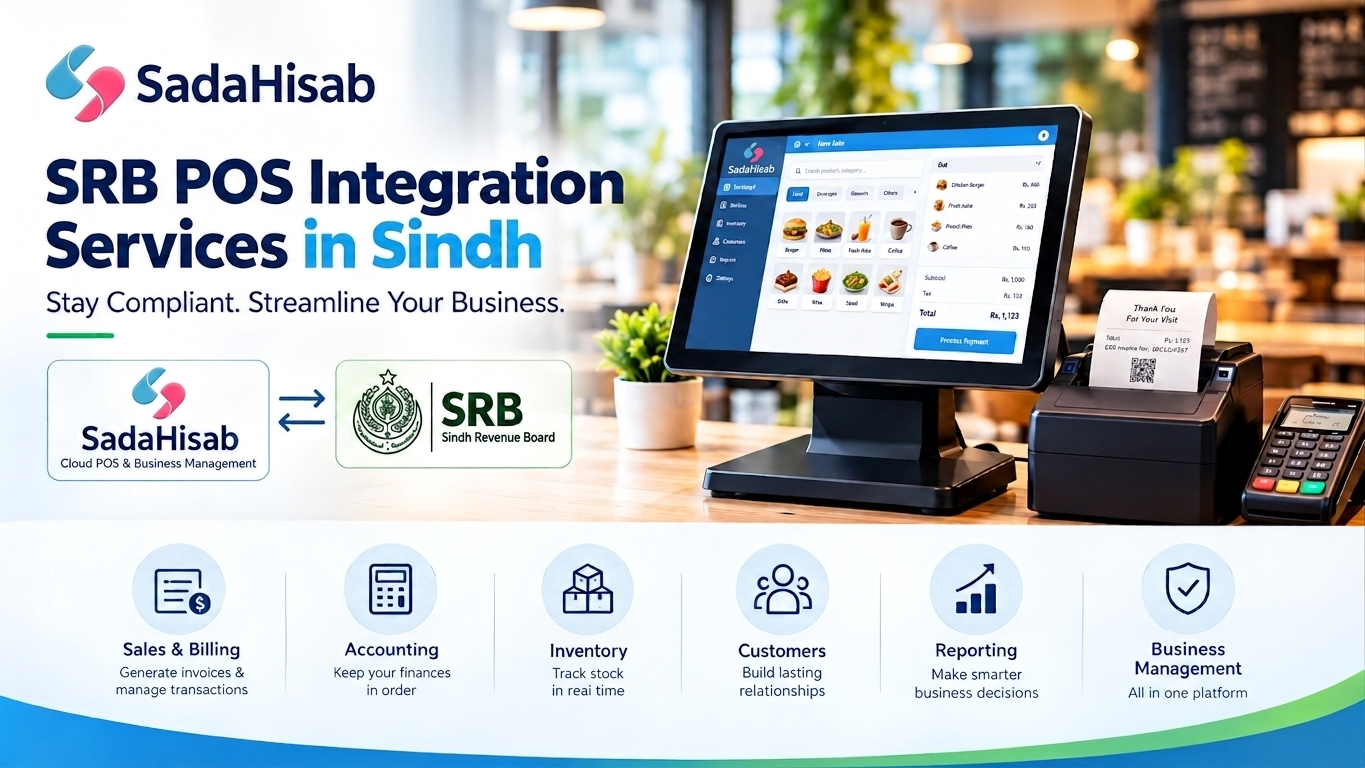
Businesses looking for SRB POS integration services in Sindh can consider SadaHisab as a complete POS and ERP solution.
SadaHisab combines:
- Sales management
- Billing
- Inventory
- Accounting
- Profit and loss reporting
- Multi-branch management
- Digital invoicing
- Business analytics
- SRB integration services
This means the business doesn’t have to treat SRB integration as an isolated technology project. The goal is to manage the broader business workflow through one platform.
Why Businesses May Consider SadaHisab
SadaHisab can provide:
- SRB POS integration services
- Software setup
- Employee training
- Customer support
- Cloud-based access
- Sales and inventory management
- Business reports
- Multi-branch functionality
How to Get Started With SRB POS Software
Implementing SRB POS software doesn’t have to be complicated when the process is planned properly.
Step 1: Understand Your Business Requirements
Identify:
- Business type
- Number of branches
- Number of employees
- Daily transaction volume
- Products or services
- Inventory requirements
- Accounting requirements
Step 2: Check Your SRB Requirements
Review the latest official SRB information and determine which registration and integration requirements apply to your business. Use official SRB resources for current regulatory information.
Step 3: Select Your POS Provider
Compare:
- Features
- SRB integration
- Pricing
- Support
- Training
- Cloud access
- Reporting
- Scalability
Step 4: Configure Your Business
Set up:
- Products
- Services
- Users
- Branches
- Prices
- Tax settings
- Invoice settings
- Opening stock
- Customers
Step 5: Train Employees
Your employees should know how to:
- Create sales
- Generate invoices
- Process returns
- Handle payments
- Search previous transactions
- Correct permitted errors
- Close daily sales
Step 6: Monitor Reports
Once your system is live, regularly review:
- Sales
- Expenses
- Inventory
- Returns
- Branch performance
- Profit and loss
- Invoice records
This is where SRB POS software becomes a long-term business management tool rather than simply a billing application.
How SRB POS Software Helps a Taxpayer in Sindh
For a tax payer Sindh business, digital record management can provide a more organized approach to everyday transactions. The important point is that POS software should support business operations while the business itself remains responsible for meeting its applicable tax obligations.
The official SRB website provides resources covering:
- Taxpayer registration
- Electronic services
- POS
- Invoice verification
- Acts and rules
- Notifications
- Taxpayer guidance
Businesses should therefore use official SRB information whenever checking current requirements.
Conclusion
SRB POS software can help Sindh businesses move from fragmented billing processes toward a more connected digital business environment.
Instead of managing sales, inventory, accounting and reporting separately, businesses can bring these activities together through one POS and ERP platform.
The right solution can help with:
- Sales
- Billing
- Inventory
- Accounting
- Reporting
- Digital invoicing
- Multi-branch management
- SRB POS integration
For businesses searching for SRB POS integration services in Sindh, the most important consideration is not simply whether software can generate an invoice. Look at the complete workflow, including setup, integration, reporting, employee training, support and future scalability. SadaHisab provides SRB POS integration services alongside cloud POS and ERP features, giving Sindh businesses an option to manage their everyday operations through one connected platform. Always verify current tax and integration requirements through the official Sindh Revenue Board resources before implementation.