Choosing the right POS software can change how a Pakistani business runs every single day. Whether you run a small retail shop in Lahore, a restaurant in Karachi, a pharmacy in Islamabad, or a wholesale distribution business in Faisalabad, your point of sale is where money, stock, customers, and records all meet. When that system is slow, manual, or disconnected, mistakes creep in, stock goes missing, and tax compliance becomes a headache.
Good POS software brings all of it together: billing, inventory, customer records, staff control, and FBR-compliant invoicing, in one simple system your team can actually use. This guide explains what POS software does, which features matter most in Pakistan, and how to choose a system that fits your business and your budget.
What Is POS Software?
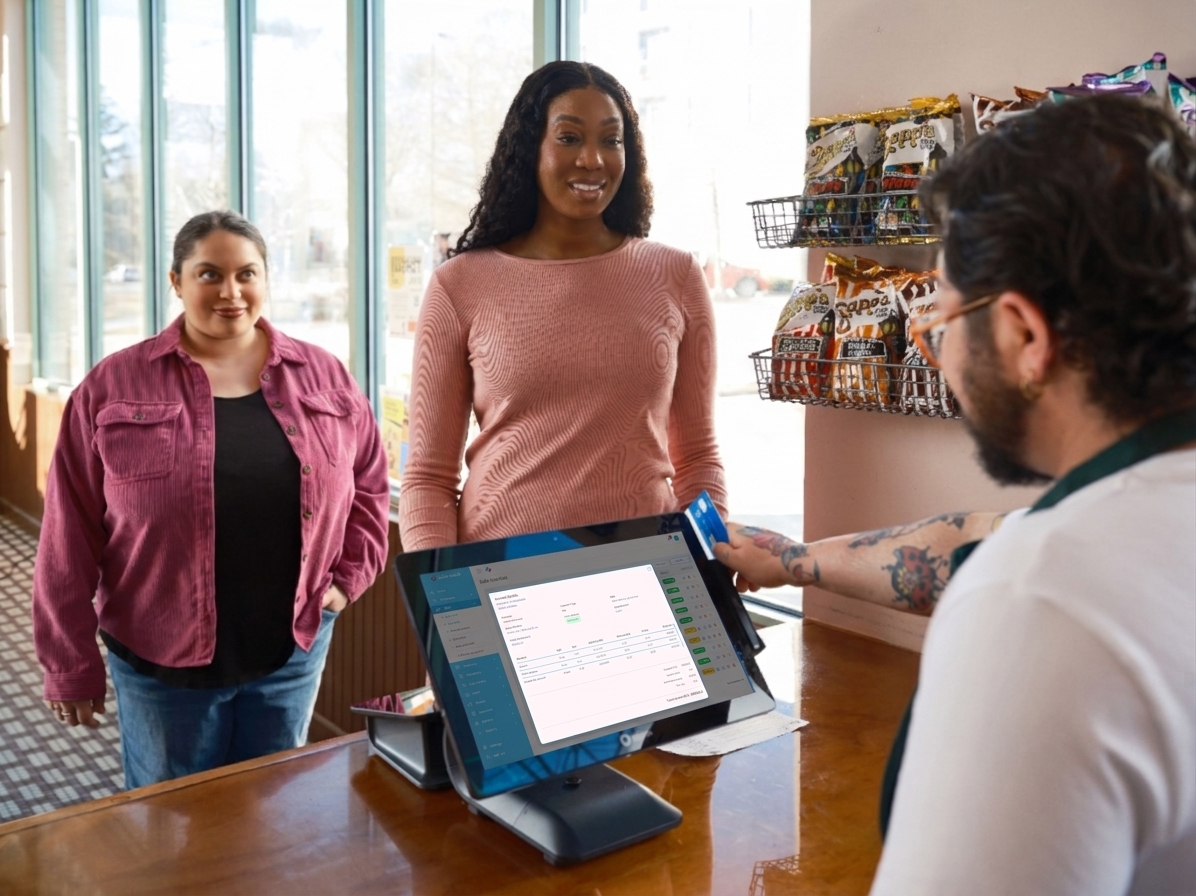
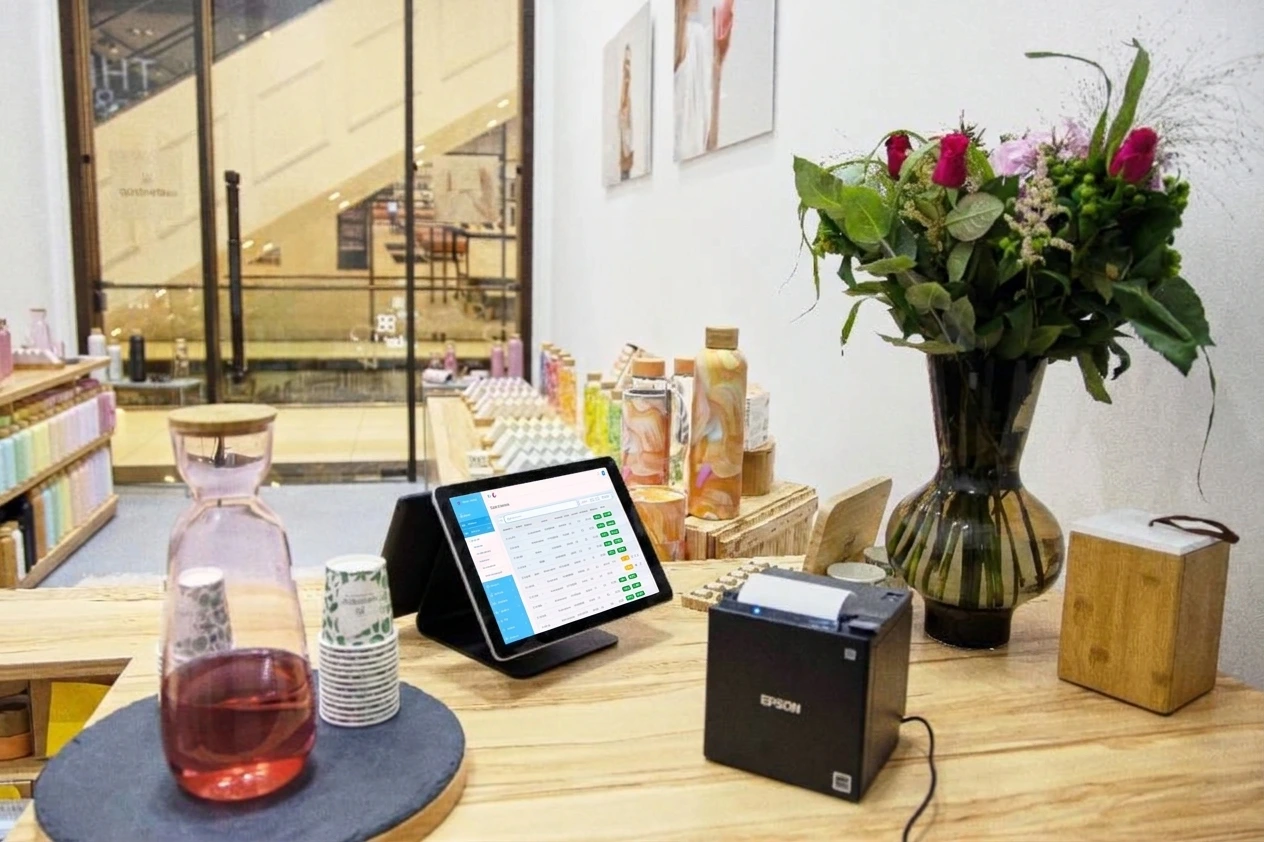
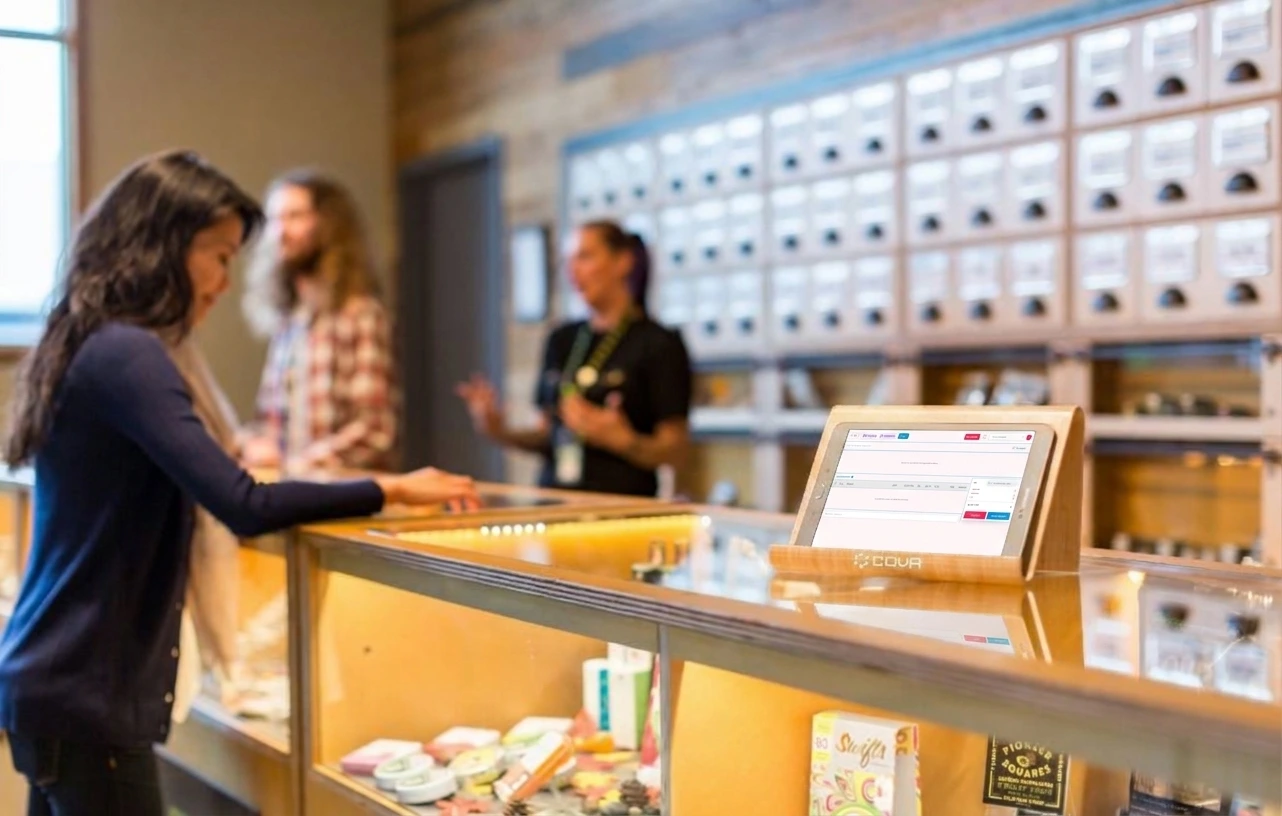
POS software is the system a business uses to complete a sale and record it properly. In a modern setup, it usually runs on a computer, tablet, or touchscreen terminal, connected to a receipt printer, barcode scanner, and cash drawer. When a customer buys something, the cashier scans the item or selects it on screen, the software calculates the total, applies any discount or tax, prints or emails the receipt, and updates the stock automatically.
That last part is what separates real POS software from a simple billing machine. A billing machine only prints a receipt. POS software remembers the sale, reduces the stock, records the customer, and feeds the numbers into your sales reports, replacing the old combination of cash registers, paper notebooks, and Excel sheets with one dashboard.
Why Pakistani Businesses Need Modern POS Software
Pakistani retailers and restaurants face a specific set of pressures. Prices change often, suppliers offer different rates, customers expect quick service, and FBR requirements for invoicing and record-keeping keep getting stricter. A system built for another country, or a system built ten years ago, often misses these realities.
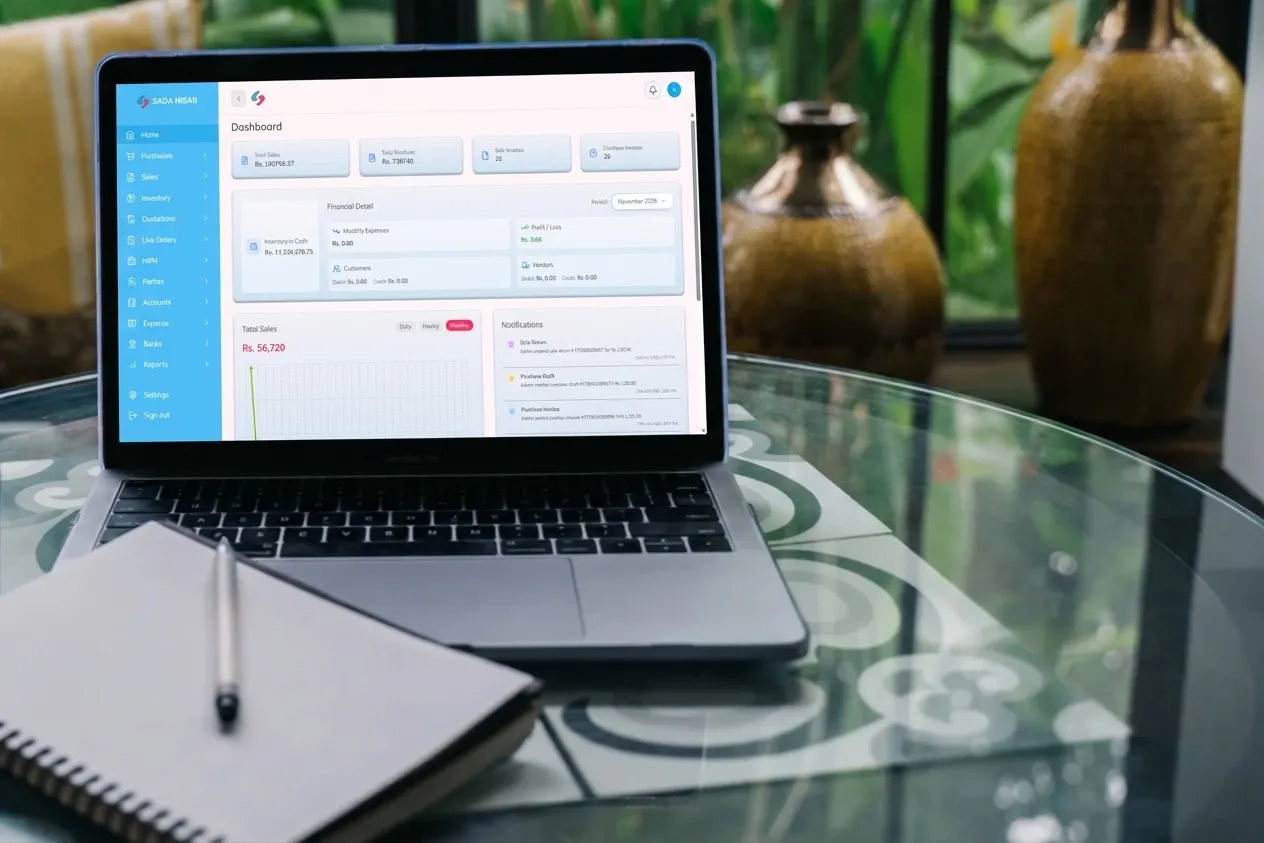
First, speed matters. Long queues cost sales, especially in busy markets. A fast POS system with barcode scanning and quick product search keeps the line moving. Second, stock control matters even more: stock is cash sitting on shelves, and without live tracking you over-order slow items, run out of fast sellers, and lose money to expiry or pilferage. Third, compliance matters. Businesses under FBR POS integration rules need verifiable invoices with QR codes; a Pakistan-ready system handles this as part of normal billing. Finally, owners need visibility and the cloud-based POS software lets you check sales, stock, and staff activity from your phone, even across branches.
Key Features to Look for in POS Software
Not all POS software is equal. Before you buy, check that the system covers these essentials.
1.Fast and Simple Billing
Billing should take seconds, not minutes. Look for barcode scanning, product search, hold and recall, split payments, discounts, and easy returns. Cashiers should need very little training to use it confidently on day one.
2.Real-Time Inventory Management
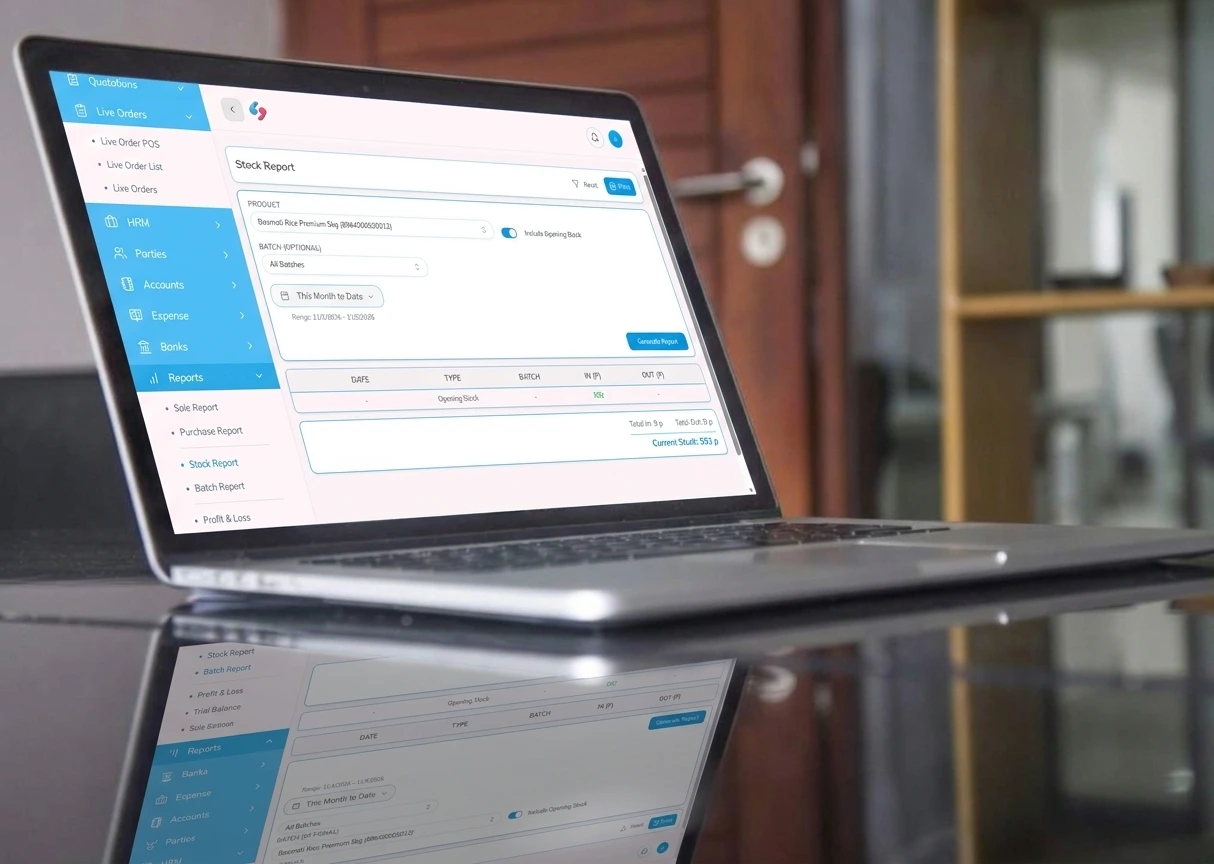
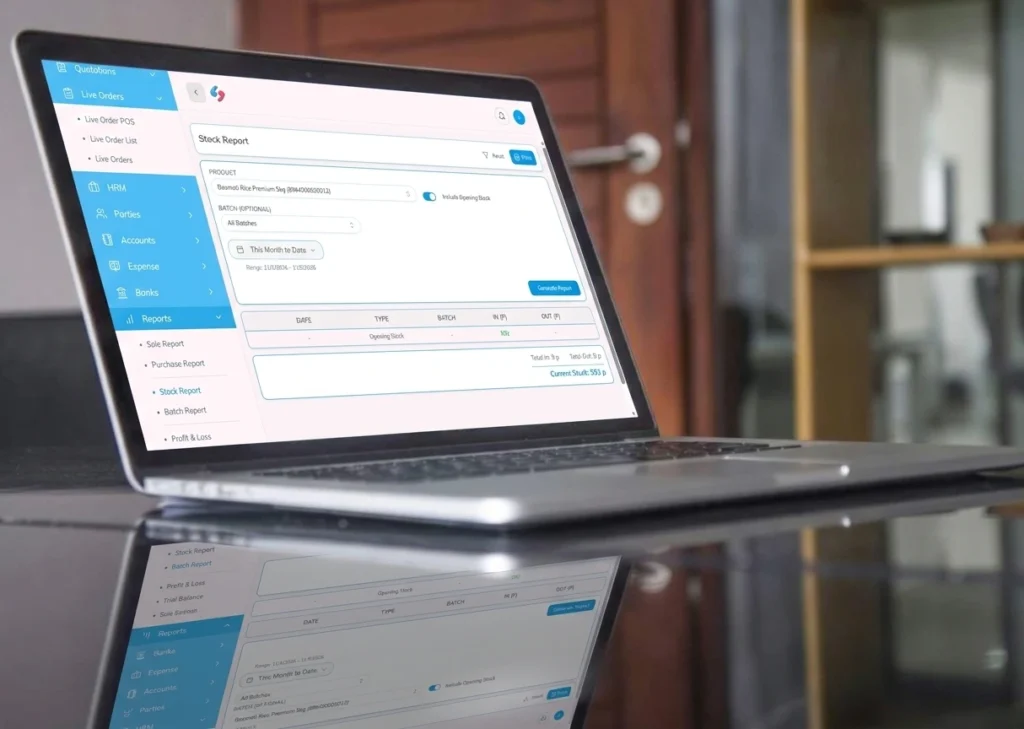
Every sale should reduce stock automatically and every purchase should increase it. Good POS software also tracks batches and expiry dates for pharmacies, variants such as size and colour for retail, and low-stock alerts. For multiple branches, stock should be visible branch by branch, with transfers recorded properly.
3.FBR-Compliant Invoicing
If your business must integrate with FBR, your POS software must issue verified invoices with QR codes, handle tax correctly, and transmit sales reliably. Ask the provider to show you a real FBR invoice before you commit, and check how it handles outages or failed transmissions.
4.Customer and Credit Management
POS software should record customer details, purchase history, and credit balances (udhaar). For wholesalers, credit limits, ageing reports, and payment reminders are essential, you should see at a glance who owes you, how much, and for how long.
5.Sales Reports and Staff Security
A good POS system answers questions without extra work which products sell best, which branch performs best, and what today’s cash, card, and transfer totals are. Role-based access matters too, so cashiers can bill but cannot change prices or delete sales, while managers approve discounts and view reports.
6.Offline Reliability
Internet connections in Pakistan are not always stable. Your POS software should keep billing when the internet drops and sync automatically once it returns. A system that stops during an outage costs sales at the worst possible moment.
POS Software for Different Types of Businesses
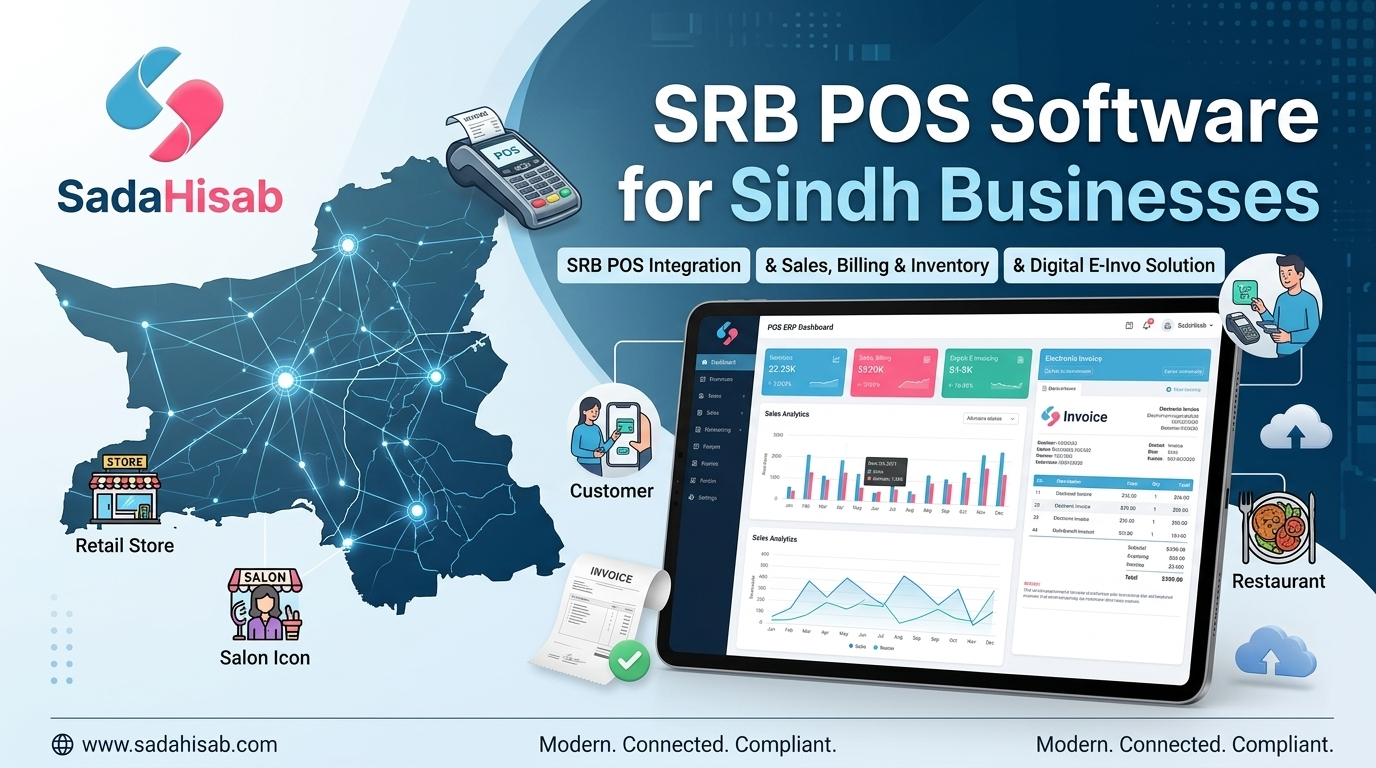
The right POS software should fit your type of business, not force you into a generic template. Retail stores need fast billing, barcode support, promotions, and strong inventory control. Restaurants need table management, kitchen tickets, and dine-in, takeaway, and delivery handling. Pharmacies need batch and expiry management and medicine search by generic or brand name and accuracy here is about patient safety as well as profit.
Wholesalers and distributors need bulk billing, credit and recovery tracking, van sales, and order booking. Sada Hisab is built around these local realities, with settings for retail, restaurant, pharmacy, and distribution businesses, rather than a one-size-fits-all imported system.
Cloud Based POs software or Desktop POS Software?
Desktop POS software runs on a computer in your shop. It can feel fast, but reports live only on that machine, backups are your responsibility, and checking sales from home or another branch is difficult. Cloud-based POS software stores data securely online, gives automatic backups and updates, and lets you view your business from your phone. For most growing Pakistani businesses, especially those with more than one branch, a cloud-based system with offline billing is the safer long-term choice.
How Much Does POS Software Cost in Pakistan?
POS software price in Pakistan varies widely, from free basic apps to full enterprise systems. Free POS software can suit a very small shop, but it often lacks FBR integration, proper support, inventory depth, and data security. Instead of asking only for the lowest price, compare what is included: users and branches, FBR invoicing, inventory and accounts modules, training, and after-sales support. A system that saves staff an hour a day, prevents stock losses, and keeps FBR records clean usually pays for itself quickly, even if it is not the cheapest option.
How to Choose the Right POS Software
Follow these steps:
- List what you do every day like billing, stock, credit, FBR, branches and rank them etc.
- Shortlist two or three providers serving businesses like yours in Pakistan and ask for a live demo using your own products and prices.
- Check FBR invoicing, online/offline billing, and reporting with real examples.
- Ask existing customers about support response times and start with one branch before rolling out everywhere.
- The system your cashiers find easiest is usually the one your business will use well.
Why Businesses Choose Sada Hisab POS Software
Sada Hisab POS software is designed for Pakistani businesses, with FBR and PRA integration, real-time inventory, customer and credit management, and branch-wise reporting in one system. It works for retail stores, restaurants, pharmacies, and distributors, keeps billing running offline, and comes with local setup, training, and support including help bringing your products, stock, and customers across if you are switching systems.

Conclusion
The right POS software does more than print receipts. It gives you control over sales, stock, customers, and compliance, and it gives you back the time you used to spend chasing paper records. For a Pakistani business that wants to grow or if they want a multi branch linked software, better stock control, or simply calmer, cleaner days at the counter, a modern, local, FBR-ready POS system is one of the most practical investments you can make.
If you are comparing POS software in Pakistan, book a free demo of Sada Hisab and see how it handles your products, your billing, and your FBR invoicing in a live session. A short demo is the fastest way to know whether it fits your business. Contact Sada Hisab team Now to book your demo today!