

FBR invoice verification is the process of authenticating a sales invoice against the official records maintained by Pakistan’s Federal Board of Revenue (FBR). Whether you operate a retail outlet in Karachi, manage a restaurant in Lahore, or run a pharmacy in Islamabad, this verification establishes whether a transaction has genuinely been reported to the tax authority or merely exists as a printed sales receipt.
For businesses operating under FBR’s Point of Sale (POS) framework, invoice authentication is more than an administrative formality. It provides tangible confirmation that sales transactions have reached the relevant tax infrastructure. This guide explores how FBR invoice verification works, the procedures involved, how to interpret verification responses, and the practical measures required to resolve common discrepancies.
What Is FBR Invoice Verification?
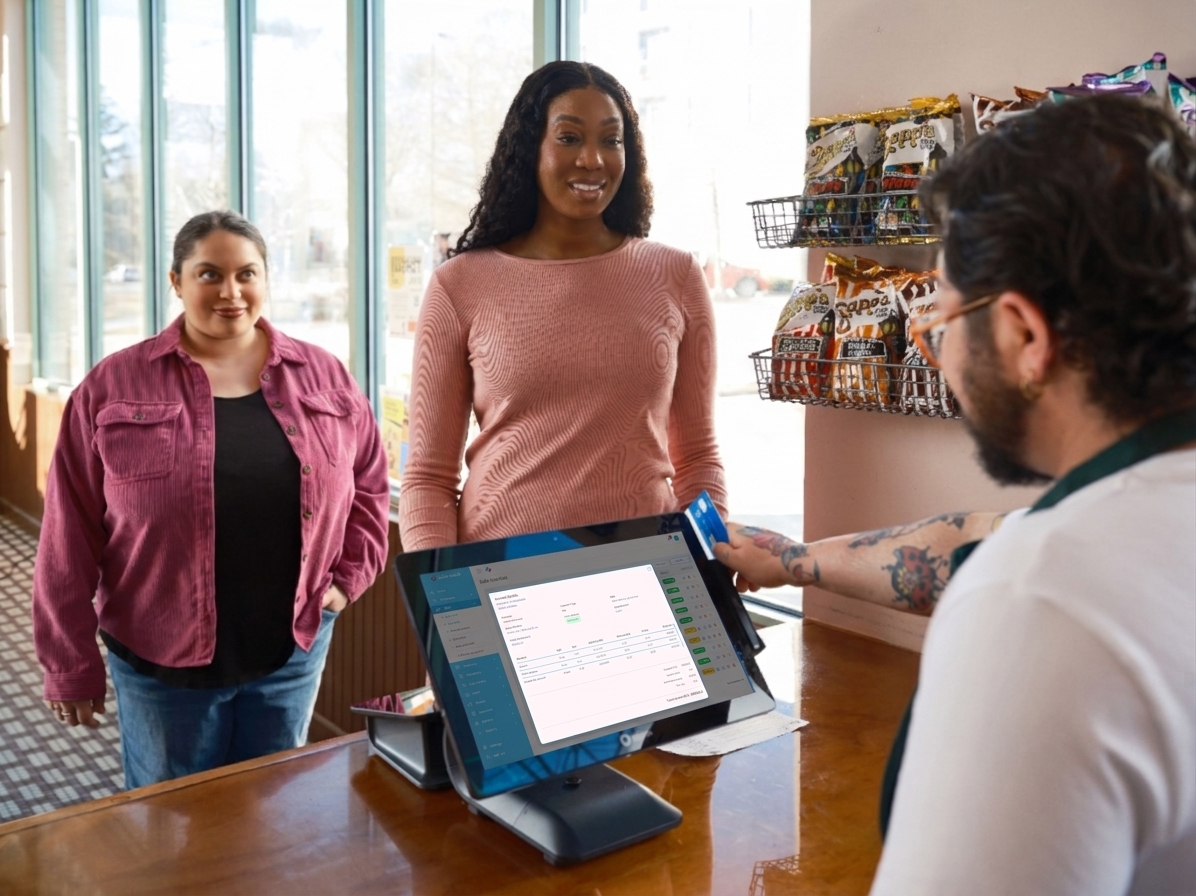
Whenever an FBR-registered business processes a sale through its fbr integrated POS software, the system generates an invoice containing a distinctive identification number and, typically, a QR code. The corresponding transaction information is transmitted to FBR’s designated system, where it becomes part of the official invoice record.
FBR invoice verification allows customers and business operators to retrieve that record and establish whether the information corresponds with the issued receipt.
Consider it comparable to validating a banking transaction. A printed receipt represents the transaction being claimed, whereas verification provides confirmation from the relevant system. When the invoice number, transaction date, seller particulars, and payable amount correspond with FBR’s records, the invoice can be considered successfully verified.
Conversely, an absent record or conflicting information warrants investigation. The underlying cause could involve transmission latency, incorrect invoice information, connectivity interruptions, or an improperly configured POS integration.
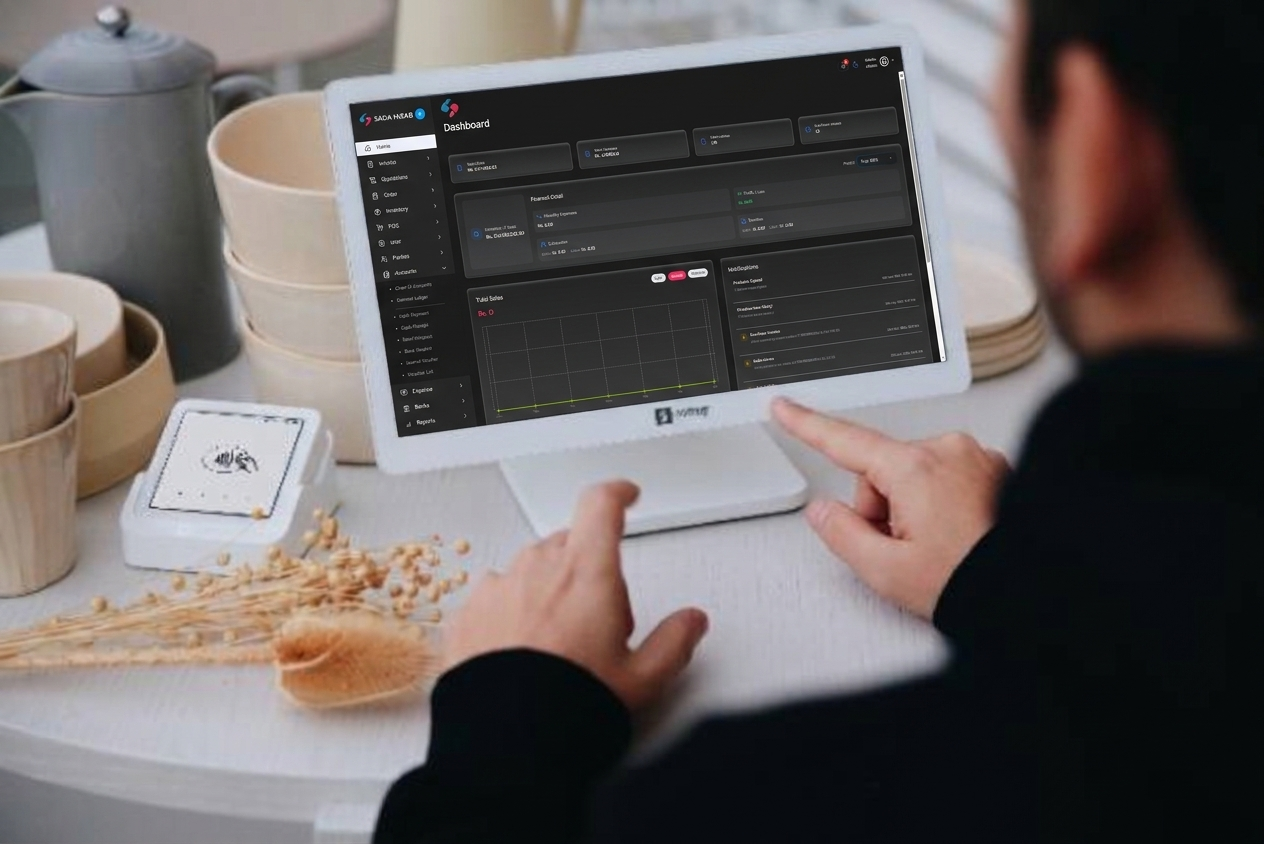
Why FBR Invoice Verification Matters for Your Business
Invoice authentication serves several commercial and operational purposes. Its significance extends beyond regulatory compliance, influencing customer confidence, financial accuracy, and the reliability of everyday business operations.
1. Strengthens Customer Confidence
Customers increasingly expect transparency when purchasing goods and services. An invoice that can be authenticated through its QR code provides additional assurance that the transaction has been registered with FBR.
For pharmacies, electronics retailers, restaurants, and other high-volume businesses, this visible confirmation can reinforce credibility and distinguish a professionally managed establishment from competitors relying on ordinary, non-integrated billing systems.
2. Identifies POS Integration Problems Early
A malfunctioning integration can prevent sales invoices from reaching FBR, even when the POS continues printing receipts.
Routine verification helps identify such irregularities before they accumulate into a substantial reconciliation problem. Detecting transmission failures on the same day is considerably easier than investigating missing records several weeks later during tax reconciliation.
3. Improves Accounting Accuracy
Authenticated invoices provide a stronger foundation for reconciling sales records, tax summaries, and corresponding financial transactions.
When POS-generated sales figures align with transmitted invoices, accountants can identify discrepancies more efficiently, maintain dependable bookkeeping records, and prepare tax documentation with fewer complications.
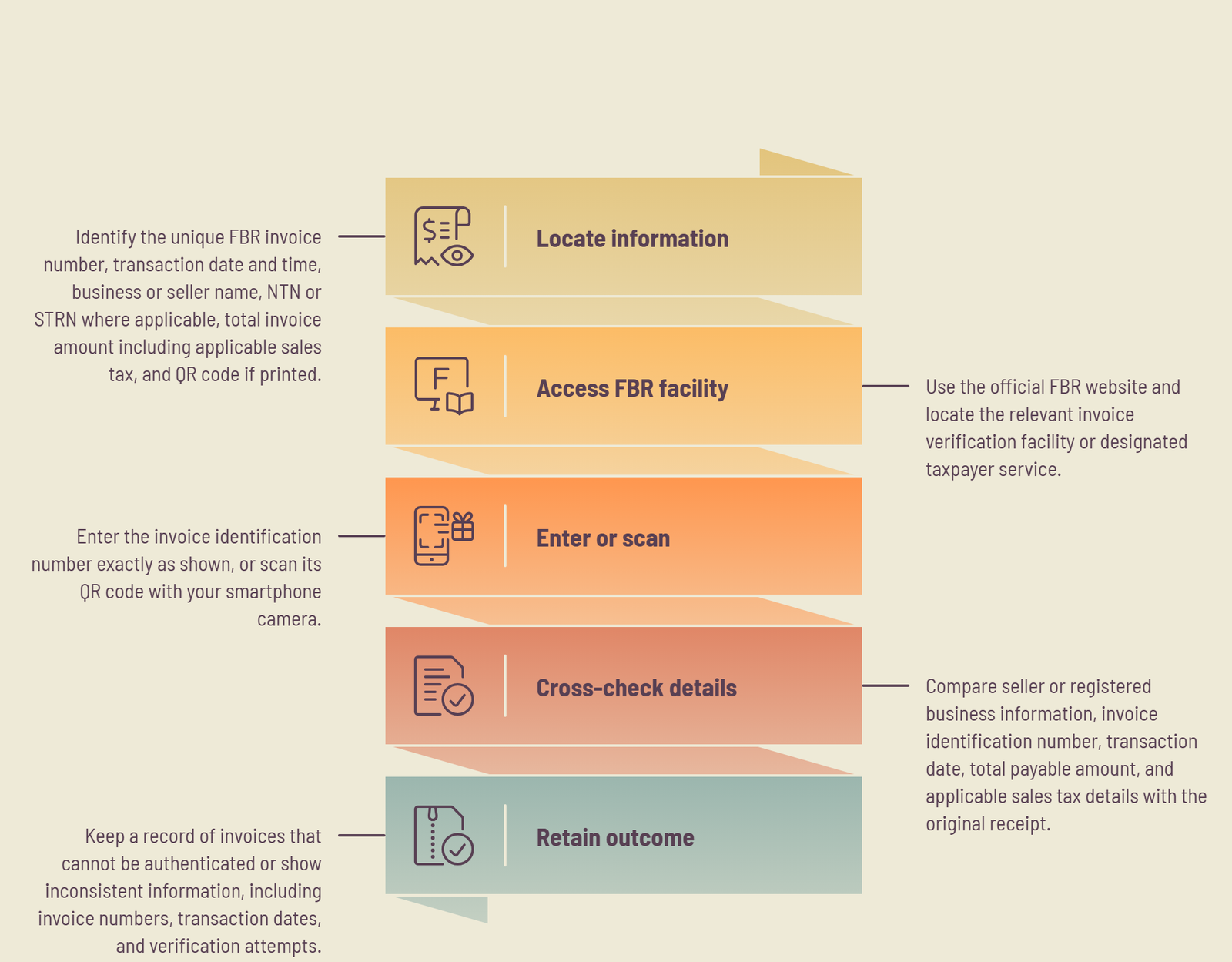
How to Verify an FBR Invoice Step by Step
Checking an FBR invoice is relatively straightforward. With the correct invoice information and access to an official verification facility, the process generally takes less than a minute.
Step 1: Locate the Required Invoice Information
Begin by examining the printed or digital sales receipt. Identify the following particulars:
- Unique FBR invoice number.
- Transaction date and time.
- Business or seller name.
- National Tax Number (NTN) or Sales Tax Registration Number (STRN), where applicable.
- Total invoice amount, including applicable sales tax.
- QR code, if printed on the invoice.
Keep these particulars accessible before proceeding. The QR code can simplify the process by providing scannable invoice information without requiring manual entry.
Step 2: Access FBR’s Official Verification Facility
Navigate to the official FBR website and locate the relevant invoice verification facility or designated taxpayer service.
Always establish that you are using an authentic FBR platform rather than an unofficial website claiming to provide invoice authentication. Avoid entering business credentials or unnecessary personal information into unfamiliar third-party services.
If you are uncertain about a verification link, access it through FBR’s principal website instead of relying on unsolicited messages or unfamiliar URLs.
Step 3: Enter the Invoice Number or Scan Its QR Code
Enter the invoice identification number exactly as it appears on your receipt. Preserve all letters, numerical characters, hyphens, and leading zeros.
Even a minor transcription error can prevent the system from locating an otherwise legitimate invoice.
Alternatively, use your smartphone camera to scan the QR code. Ensure the printed code is unobstructed, sufficiently illuminated, and clearly visible to your camera.
Step 4: Cross-Check the Retrieved Information
Once the verification response appears, examine its particulars alongside the original receipt.
Pay particular attention to:
- Seller or registered business information.
- Invoice identification number.
- Date of transaction.
- Total payable amount.
- Applicable sales tax details.
The information should correspond with the issued invoice. If any significant detail differs, investigate the discrepancy rather than assuming the invoice is authentic.
Step 5: Retain the Verification Outcome
Maintain a record of invoices that cannot be authenticated or display inconsistent information.
Note their invoice numbers, transaction dates, and verification attempts. This information will help your accountant or POS service provider investigate transmission failures without wasting time locating individual transactions.
What Do Different FBR Invoice Verification Results Mean?
Understanding the verification response is essential because an unsuccessful search does not necessarily indicate fraudulent billing. Different outcomes can point towards entirely different technical or administrative circumstances.
Successful Verification
A successful response indicates that the invoice has been located within FBR’s records and its displayed particulars correspond with the retrieved information.
This provides confirmation that the transaction has been registered in the relevant system.
Invoice Not Found
A ‘not found’ response indicates that the verification facility could not retrieve the specified invoice.
However, this does not automatically establish that the receipt is counterfeit. Recently generated invoices may take some time to appear, particularly when the business has experienced connectivity interruptions or unusually heavy system traffic.
Allow a reasonable interval before checking again. If the invoice remains unavailable, request that the seller examine its transmission status through the POS software.
Information Mismatch
A mismatch occurs when an invoice is located but certain particulars differ from the information printed on the receipt.
Start by checking whether the invoice number was entered correctly. If the discrepancy persists, contact the issuing business and request a review of the original POS transaction and the information transmitted to FBR.
Any difference involving the invoice number, seller identity, or transaction amount deserves particular attention.
Common Reasons FBR Invoice Verification Fails and How to Resolve Them
Verification failures can originate from simple human errors or more substantial technical deficiencies. Identifying the actual cause is important before attempting corrective measures.
1. Incorrect Invoice Number
An incorrectly entered invoice number is among the simplest explanations for an unsuccessful verification attempt.
Compare the entered identification number with the original receipt, checking each character individually. Pay special attention to similar-looking letters and numbers, misplaced hyphens, and omitted leading zeros.
2. Delayed Invoice Transmission
An interrupted internet connection can prevent a POS terminal from immediately transmitting transaction information to FBR.
A properly configured system should support an appropriate offline transaction-handling mechanism, where applicable, and transmit queued records once connectivity is restored.
Ask your software provider whether offline queueing is supported and how pending transactions are monitored. More importantly, establish that invoices awaiting transmission are eventually submitted successfully rather than silently discarded.
3. Faulty FBR Integration
Another possibility is an underlying integration malfunction. In this situation, the POS may continue generating printed invoices even though transaction information is not reaching FBR correctly.
Warning signs include:
- Several consecutive invoices failing verification.
- A sudden increase in unverified transactions.
- Transmission errors following a software update.
- Missing invoices despite normal billing activity.
- Persistent synchronization failures.
Contact your POS provider as soon as these symptoms emerge. Share representative invoice numbers, transaction dates, and amounts, and request confirmation of their transmission status from the integration logs.
A reliable POS solution should provide sufficient visibility into invoice submission, failed transactions, and pending records.
FBR Invoice Verification for POS Owners: Establish a Practical Monitoring Routine
Manually authenticating every invoice is rarely necessary for businesses processing hundreds of transactions daily. A structured sampling procedure can provide useful oversight without interrupting routine billing operations.
Consider adopting the following monitoring schedule:
Daily Monitoring
- Verify the first invoice generated during business hours.
- Select two or three additional invoices from different periods of the day.
- Investigate any unsuccessful verification attempts.
- Review pending or failed transmission notifications within your POS dashboard, where available.
Weekly Reconciliation
- Compare POS-generated daily sales reports with transmitted invoice records.
- Examine discrepancies between recorded and submitted transactions.
- Review invoices that remained pending after internet interruptions.
- Confirm that recurring transmission errors have been resolved.
This approach provides an early indication of integration reliability while reducing the administrative burden on business owners and accounting personnel. The objective is straightforward: maintain consistency between actual sales, POS records, and the invoices registered with FBR.
Conclusion
FBR invoice verification provides an important layer of transparency between businesses, customers, and Pakistan’s tax infrastructure. For customers, it offers a practical way to authenticate sales receipts. For business owners, it helps uncover integration failures, strengthens transaction records, and simplifies routine financial reconciliation.
Rather than treating verification as an occasional administrative exercise, incorporate it into your regular POS monitoring procedures. Examine sample invoices, investigate unsuccessful submissions promptly, and ensure that your billing software maintains a dependable connection with FBR.
If your business still relies on manual receipts or struggles with inconsistent invoice transmission, consider moving towards a purpose-built POS and ERP solution.
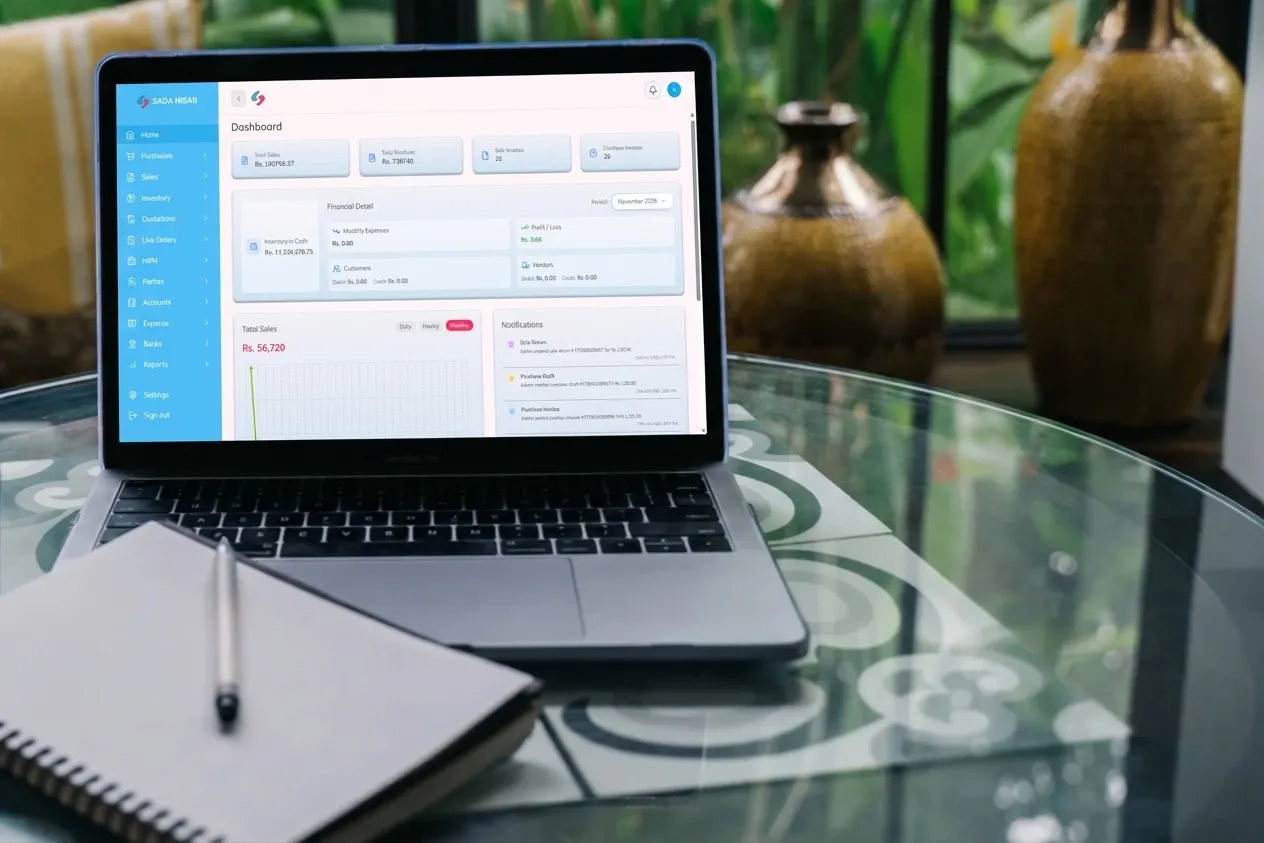
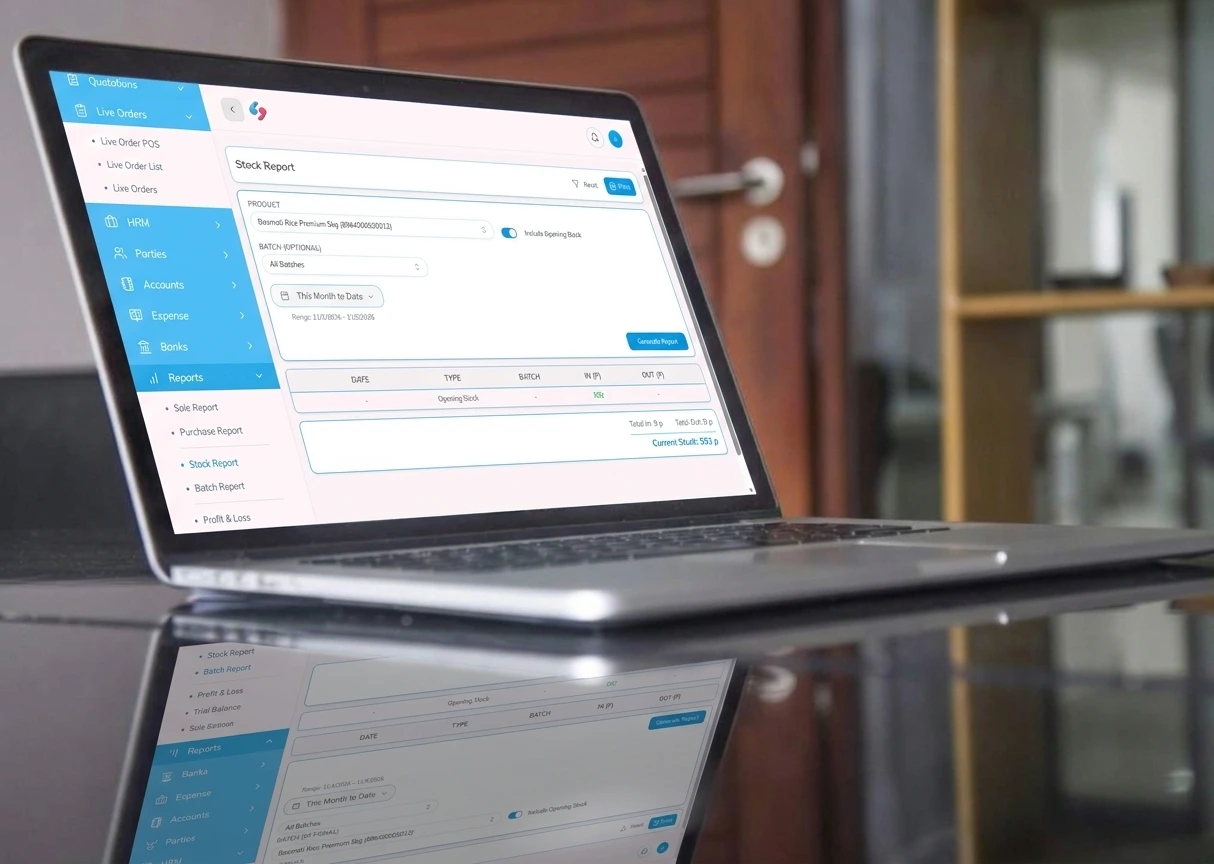
Sada Hisab, developed by DevVibe, offers an integrated business management platform designed to streamline billing, inventory, accounting, and tax-related operations. Its FBR-integrated invoicing capabilities help businesses manage digital invoices alongside everyday commercial activities.
Book a free Sada Hisab demo and explore the software using your own business requirements. Examine its billing workflow, inventory synchronisation, accounting facilities, and FBR invoice integration before deciding whether it is the right operational fit for your business.